What Is a Delivery Exception? Causes, Codes & How to Fix Them
A delivery exception is any event that stops an order arriving as planned. Here are the common causes, what each status means, and how to prevent them.
If you have ever refreshed a tracking page and seen the status flip from "out for delivery" to "delivery exception," you know the small jolt of dread that follows. A delivery exception is simply the logistics word for "something unexpected happened on the way, and the order did not arrive as planned." It is not the same as "lost," and it is usually not permanent — but it is a fork in the road that needs a decision, and how fast you make that decision is the difference between a one-day delay and a refund.
This guide explains what a delivery exception actually means, the causes behind the most common ones, and — crucially for any business running its own drivers — how to prevent them and resolve the ones that still happen. It pairs closely with our guide on how to reduce failed deliveries and lift first-attempt rate, which covers the prevention side in more depth.

What does "delivery exception" actually mean?
A delivery exception is any event during transit that interrupts the normal path of an order to the customer’s door. The phrase comes from carrier tracking systems, where every parcel is expected to move through a fixed sequence of scans — picked up, in transit, out for delivery, delivered. When reality breaks that sequence, the system flags an "exception" so a human knows to look. The exception is a signal, not a verdict: most are resolved within one to three days, but every one of them carries the risk of becoming a failed delivery, a redelivery cost, or a cancelled order if nobody acts.
Is a delivery exception the same as a failed delivery?
No, and the distinction matters. A delivery exception is the broader category: anything that knocks an order off its expected track, including delays that resolve themselves. A failed delivery is one specific outcome — the driver attempted the delivery and could not complete it. Every failed delivery is an exception, but plenty of exceptions (a weather delay, a corrected address, a rescheduled window) never become a failed attempt if they are caught in time. Think of the exception as the warning light and the failed delivery as the breakdown it was warning you about.
What causes a delivery exception?
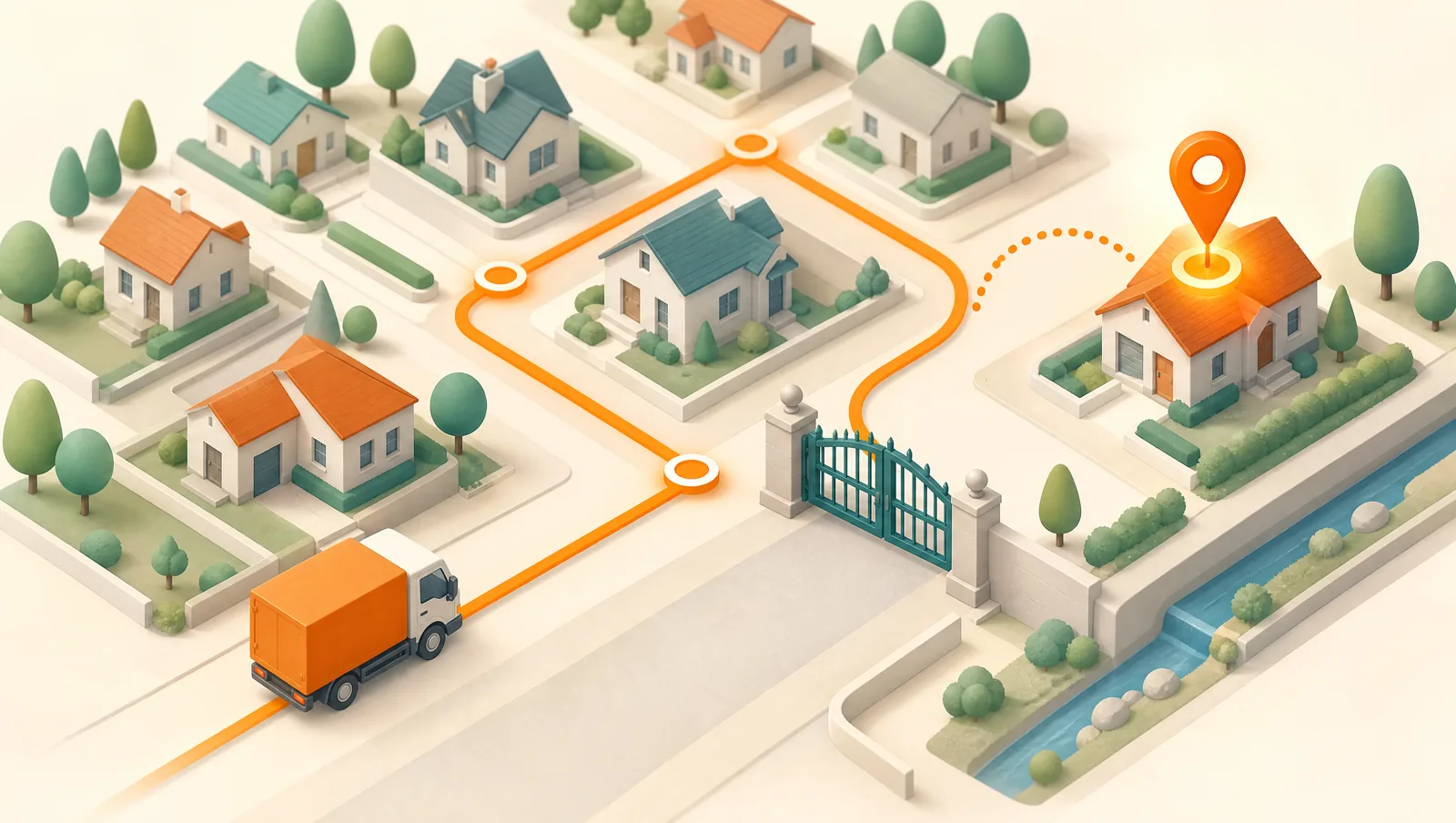
Strip away the carrier jargon and almost every delivery exception traces back to one of a handful of root causes. For a national carrier some are out of your hands; for a business delivering with its own drivers, most are squarely controllable.
- Address problem. A wrong, incomplete, or un-geocodable address — a missing apartment number, a typo in the street, or a pin that lands on the wrong building. Address issues are one of the single largest sources of exceptions.
- Recipient unavailable. Nobody home to receive the order, or to provide a required signature. Almost always an information problem: the customer did not know when the driver was coming.
- No access. A locked gate, a missing buzzer or entry code, a security desk that needs a name on a list, or nowhere to park near the stop.
- Weather, road, or vehicle disruption. A storm, a closed road, an accident, or a breakdown that pulls a stop off the planned route.
- Payment not ready (COD). For cash-on-delivery orders, the customer does not have the right amount counted out when the driver arrives.
- Damaged, refused, or mis-scanned item. The goods are damaged in transit, the customer refuses the order at the door, or a label/barcode will not scan so the system loses the parcel’s thread.
- Customs or documentation hold. For cross-border parcels, missing paperwork or duties stop the shipment at the border. (Local own-fleet delivery rarely hits this one.)
Common delivery exception types, decoded
Carriers and delivery apps surface exceptions as short status messages that are not always self-explanatory. Here is what the most common ones really mean and who needs to act:
- "Customer not available / attempted delivery" — the driver reached the stop but could not hand the order over. Next step: reschedule with a tighter, communicated window.
- "Incorrect / incomplete address" — the destination could not be resolved or found. Next step: confirm the address with the customer and re-geocode before re-attempting.
- "Unable to access location" — gate, buzzer, or parking blocked the stop. Next step: capture the access detail (gate code, contact) and attach it to the address for good.
- "Refused by recipient" — the customer declined the order at the door. Next step: trigger your returns/COD-cancel flow, not another delivery attempt.
- "Delayed — weather / road conditions" — an external disruption. Next step: usually wait and re-route; proactively tell the customer so the silence does not become a complaint.
- "Payment not collected" — a COD order where the cash was not ready. Next step: confirm the exact amount with the customer up front and re-attempt.
What should you do when a delivery exception happens?
The cost of an exception is set almost entirely by how fast you respond. A repeatable playbook beats improvising stop by stop:
- Read the reason, not just the status. "Exception" alone tells you nothing. The reason code (no access, wrong address, not home) tells you which fix applies.
- Decide: re-attempt, reschedule, or return. A weather delay re-routes itself; a refused order should never be re-attempted; a bad address needs correcting first. Matching the action to the cause stops you from paying for a second wasted trip.
- Contact the customer immediately. For "not home," "no access," and COD exceptions, a single message — "we tried to deliver, reply with a gate code or a better time" — often resolves the whole thing before the van leaves the area.
- Fix the root cause on the record. Correct the address, save the gate code, note the parking. The point is that the next attempt — and the next order to that address — succeeds.
- Re-route the recovered stop. A rescheduled delivery is just a new stop to optimize into tomorrow’s round, not a fire drill.
How to prevent delivery exceptions in your own fleet
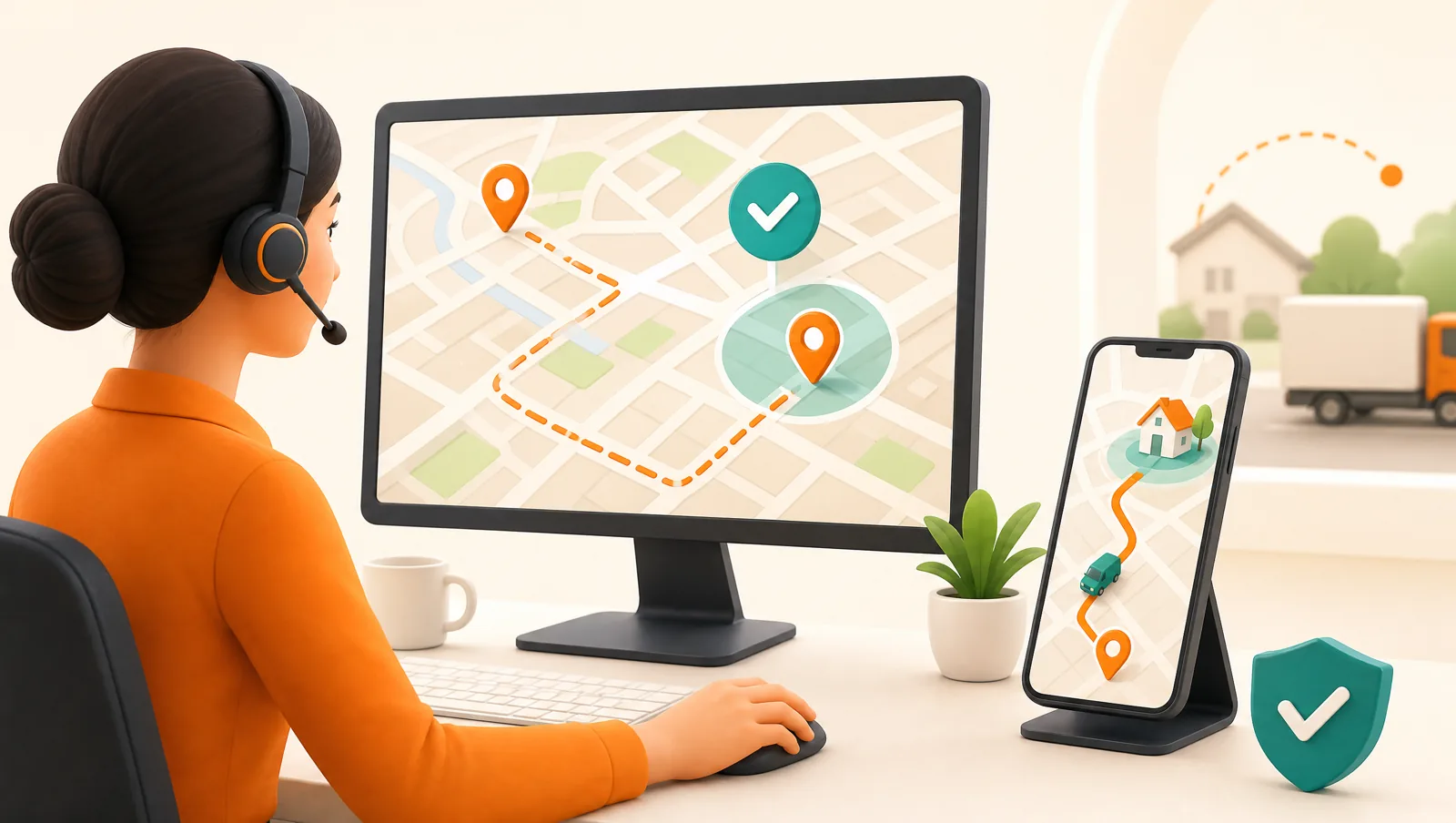
When you run your own drivers, you control the variables a national carrier cannot. Most exceptions are preventable upstream, in the dispatcher’s chair, before the driver ever sets off:
- Validate and geocode every address before routing. Catch the wrong pin on the screen, not on the windshield. A stop that resolves to a precise location does not become an "address" exception.
- Give every customer an accurate, tracked ETA. The biggest exception cause — recipient not home — is an information problem. A real arrival window plus a live tracking page gets customers to the door.
- Send proactive notifications. An "out for delivery" message and an "almost there" nudge, with a reply channel, let customers flag a gate code or a better time before a wasted attempt.
- Carry delivery notes with the order. Buzzer numbers, "leave at side door," and parking notes should stick to the address and ride along to every future delivery.
- State the exact COD amount up front. Telling the customer what to have ready turns "payment not collected" from a failure mode into a non-event.
- Capture proof at every successful stop. A photo, signature, or barcode scan both confirms the delivery and gives you a clean record when an exception is disputed.
- Tag a reason on every exception. Reason codes are what turn a vague "we have a delivery problem" into "30 percent of our exceptions are no-access at one complex — let us get a gate code on file."
Routella is built so these levers come standard rather than as add-ons. It geocodes addresses during import, optimizes stops into efficient rounds, and gives every customer a live tracking page with a real-time ETA in 195 languages. Automated WhatsApp, SMS, and email notifications fire on route events, the driver app provides offline turn-by-turn navigation plus proof of delivery (photo, signature, or barcode), and the COD flow tracks the exact amount due against what was collected. For the prevention playbook in full, see reducing failed deliveries, customer delivery notifications, and live delivery tracking and ETAs.
Turn exceptions into data, not just fire drills
A single exception is an interruption; a month of tagged exceptions is a roadmap. When every off-track stop carries a reason code, the weekly review stops being anecdotal and starts being directional: the biggest slice tells you exactly which lever to pull next, whether that is address quality, communication, access details, or COD readiness. This is the same discipline behind tracking last-mile delivery KPIs — you cannot improve a number you do not name. Pushing every learned access detail back onto the address closes the loop so the same exception does not recur, and re-optimizing recovered stops into the next round (see how to optimize multi-stop delivery routes) keeps a handful of re-attempts from blowing up tomorrow’s schedule. For the cash side, cash on delivery management covers collecting and reconciling COD cleanly so payment exceptions stay rare.
The bottom line
A delivery exception is a warning, not a sentence. The operations that handle them well share one habit: they read the reason behind every exception, act on it fast, and feed the lesson back into the address and the route so it does not happen twice. Get orders into one place, validate addresses, communicate a real ETA, and tag a reason on everything that goes sideways, and most exceptions never become failed deliveries. Routella bundles routing, a live tracking page, automated notifications, proof of delivery, and COD into one platform, and you can start on the free plan with no credit card to see how many exceptions you can head off before they cost you a trip. Compare the wider toolset in our delivery software comparison.
Frequently asked questions
What does delivery exception mean?
A delivery exception means an unexpected event has interrupted an order on its way to the customer, so it will not arrive exactly as planned. Common reasons include an address problem, the recipient not being available, no access at the location, weather or road delays, or — for cash-on-delivery — payment not being ready. It is usually a temporary status, not a lost order, but it needs a decision to resolve.
Is a delivery exception the same as a failed delivery?
No. A delivery exception is the broader category — anything that knocks an order off its expected track, including delays that resolve on their own. A failed delivery is one specific outcome where the driver attempted the delivery and could not complete it. Every failed delivery is an exception, but many exceptions are resolved before they ever become a failed attempt.
How long does a delivery exception take to resolve?
Most exceptions clear within one to three business days, depending on the cause. A weather or road delay often resolves itself; an address or access issue resolves only when someone corrects the detail and re-attempts; a refused order moves into a returns flow instead. The faster you act on the reason code, the shorter the delay.
What are the most common causes of a delivery exception?
The most common are address problems (wrong, incomplete, or un-geocodable addresses), the recipient being unavailable, and access issues like locked gates or missing entry codes. Weather and road disruptions, cash-on-delivery payment not being ready, and damaged or refused items round out the list. For businesses running their own drivers, most of these are preventable upstream.
How can I prevent delivery exceptions?
Validate and geocode addresses before routing, give every customer an accurate ETA and a live tracking link, send proactive out-for-delivery notifications with a reply channel, carry delivery notes (gate codes, parking) with each order, state the exact COD amount up front, and tag a reason on every exception so you can attack the biggest cause. Routella bundles these into one platform with a free plan to start.
Run your own deliveries with Routella
Route optimization, a driver app, proof of delivery, and live customer tracking — in one platform. Free plan, no credit card.