Live Delivery Tracking & ETAs: A Practical Guide
How live delivery tracking and real-time ETAs actually work, why they cut support calls, and how to set up a customer tracking page for your own drivers.
A live tracking page with a real-time ETA is the single highest-impact thing you can give a customer who is waiting on a local delivery. It answers the only question they actually have — when will it arrive? — without a phone call, and it quietly removes most of the anxiety that turns a normal wait into a complaint. This guide explains how live delivery tracking and ETAs really work, where they go wrong, and how to set up a tracking page when you deliver with your own drivers.
Live tracking used to be something only national carriers could offer. Today any business running its own vehicles can give customers a map link with a moving driver and a countdown to their door. The hard part is not the map — it is keeping the ETA honest.
What is live delivery tracking, exactly?
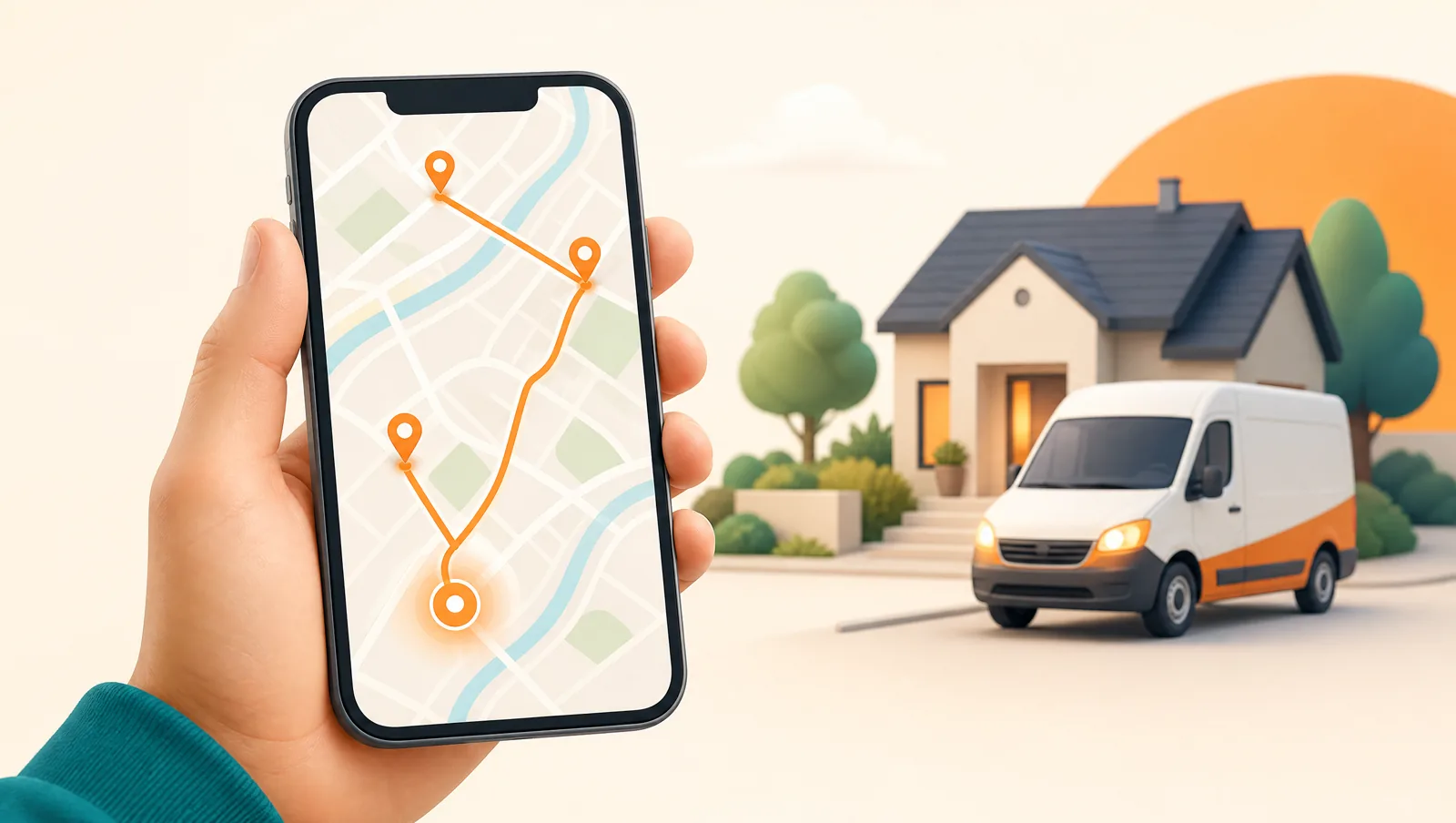
Live delivery tracking is a customer-facing page, usually opened from a text or email link, that shows the status of one specific order. At minimum it shows where the order is in the journey — picked, out for delivery, arriving, delivered. A good tracking page goes further and shows the driver moving on a map and an estimated time of arrival that updates as the route progresses.
The key distinction is between a status page (text labels that change) and a true live page (a moving driver and a recalculating ETA). Both reduce uncertainty, but the live version is what stops the customer from calling, because it replaces a guess with something they can watch.
How is a delivery ETA actually calculated?
An ETA is a prediction, and like any prediction it is only as good as its inputs. A basic ETA takes the driver's current location and the remaining stops, measures the driving distance and speed between them, and adds it up. That is fine on an empty road and badly wrong in traffic.
A better ETA accounts for three things most simple systems ignore:
- Live traffic — the difference between a free road and a jammed one can double an ETA. Traffic-aware routing pulls current conditions instead of assuming the speed limit.
- Stop order — your ETA for stop number nine depends entirely on how long stops one through eight take. If the route is optimized, the ETA is stable; if the driver improvises, every downstream ETA drifts.
- Service time at each stop — the minutes spent parking, walking to the door, and handing over the package add up. A realistic ETA budgets for them.
Routella's live tracking page updates the ETA as the driver moves through the route, and the optional Smart Routing add-on uses the Google Routes API to factor in live traffic and time windows. Because the route is optimized first, the per-stop ETAs hold together instead of collapsing the moment traffic changes. If you want the mechanics of building good routes, see our guide on optimizing multi-stop routes.

Why does live tracking cut support calls?
Most delivery support contacts are not complaints — they are anxiety. The customer does not know where their order is, so they ask. Give them a way to check themselves and the contact disappears. A live page with a real-time ETA absorbs the question before it becomes a ticket, which is why it is one of the most effective ways to cut "where is my order?" tickets.
There is a second, quieter benefit. When a delivery is genuinely running late, a tracking page that shows it slipping sets honest expectations, so the late delivery lands as "I could see it was running behind" rather than "no one told me anything." Visibility turns a failure into a managed event.
What makes a good customer tracking page?
The bar is higher than a map with a pin. A tracking page that customers actually trust does these things:
- Loads instantly on a phone, with no login. Most customers open the link on mobile from a text. A page that demands an account or loads slowly defeats the purpose.
- Shows a moving driver and a live ETA, not just a status word. The motion is what reassures.
- Speaks the customer's language. Routella's tracking page renders in 195 languages with right-to-left support, so a customer reading Arabic or Hebrew gets a page that reads correctly, not a left-aligned mess.
- Carries your branding and a contact path. The page represents you, not your software vendor, and it should give a clear way to reach you if something is genuinely wrong.
- Confirms delivery with proof. When the stop completes, the page should reflect it — ideally backed by a photo or signature captured at the door. See our proof of delivery guide for why that matters.
Do I need live tracking if I only do a few deliveries a day?
Yes — arguably more so. A small operation cannot afford to lose an afternoon to phone calls, and a single bad delivery experience is a larger share of your reputation. Live tracking scales down cleanly: the same page that serves a hundred-stop route serves a five-stop one. Routella's free plan includes the customer-facing experience, so you can run real deliveries and send real tracking links before paying anything.
How do I set up live tracking with my own drivers?
If you deliver with your own vehicles, the setup is straightforward:
- Get your orders into one dispatch view. Connect your store so orders import automatically, or enter them by hand for phone and walk-in orders.
- Build and optimize the route so the stop order is stable — this is what keeps downstream ETAs accurate.
- Have drivers run the route from the mobile app. Their phone reports location, which is what powers the moving-driver view and the recalculating ETA.
- Send each customer their tracking link automatically when the order goes out for delivery, by WhatsApp, SMS, or email. Our guide to customer delivery notifications covers the timing.
Because Routella ties the tracking page to the driver's live position and the optimized route, you do not stitch these pieces together yourself — sending the order out for delivery is what turns the link live. If you want to wire it into your own systems instead, the developer docs cover the API.
Live tracking is not a luxury feature anymore. For a business running local deliveries, it is the difference between customers who wait calmly and customers who call. Start with an honest ETA, make the page effortless on a phone, and let the moving map do the reassuring for you.
Frequently asked questions
How accurate is a live delivery ETA?
An ETA is a prediction, so it is never perfect, but accuracy depends on its inputs. An ETA that accounts for live traffic, the optimized stop order, and realistic time spent at each stop stays close to reality. A basic ETA that assumes empty roads and instant handoffs drifts quickly. Routella keeps ETAs stable by optimizing the route first and, with the Smart Routing add-on, factoring in live traffic.
Does the customer need an app to track their delivery?
No. The tracking page opens from a link in a text or email and runs in any phone browser with no login or app install. That is deliberate — requiring an account or download is the fastest way to make a tracking page useless.
Can the tracking page show in the customer's own language?
Yes. Routella's tracking page renders in 195 languages with full right-to-left support for languages like Arabic, Hebrew, Persian, and Urdu, so each customer sees a page that reads correctly for them.
Run your own deliveries with Routella
Route optimization, a driver app, proof of delivery, and live customer tracking — in one platform. Free plan, no credit card.