How to Optimize Multi-Stop Delivery Routes (2026)
A practical 2026 guide to multi-stop route optimization: sequencing, time windows, traffic, and the workflow that lifts delivery route efficiency.
Multi-stop route optimization is the process of ordering a day of deliveries so each driver covers the shortest practical distance in the least time, while respecting real-world constraints like time windows, vehicle capacity, and traffic. Done well, it routinely cuts driven miles by 15 to 30 percent and frees up an hour or more per driver per day. Done by hand on a map, it quietly burns fuel, overtime, and customer goodwill every single shift.
This guide walks through how sequencing actually works, the constraints that trip teams up, and a repeatable workflow you can run whether you have two drivers or twenty. If you are deciding which tool to use, our delivery software comparison weighs the options in more depth.
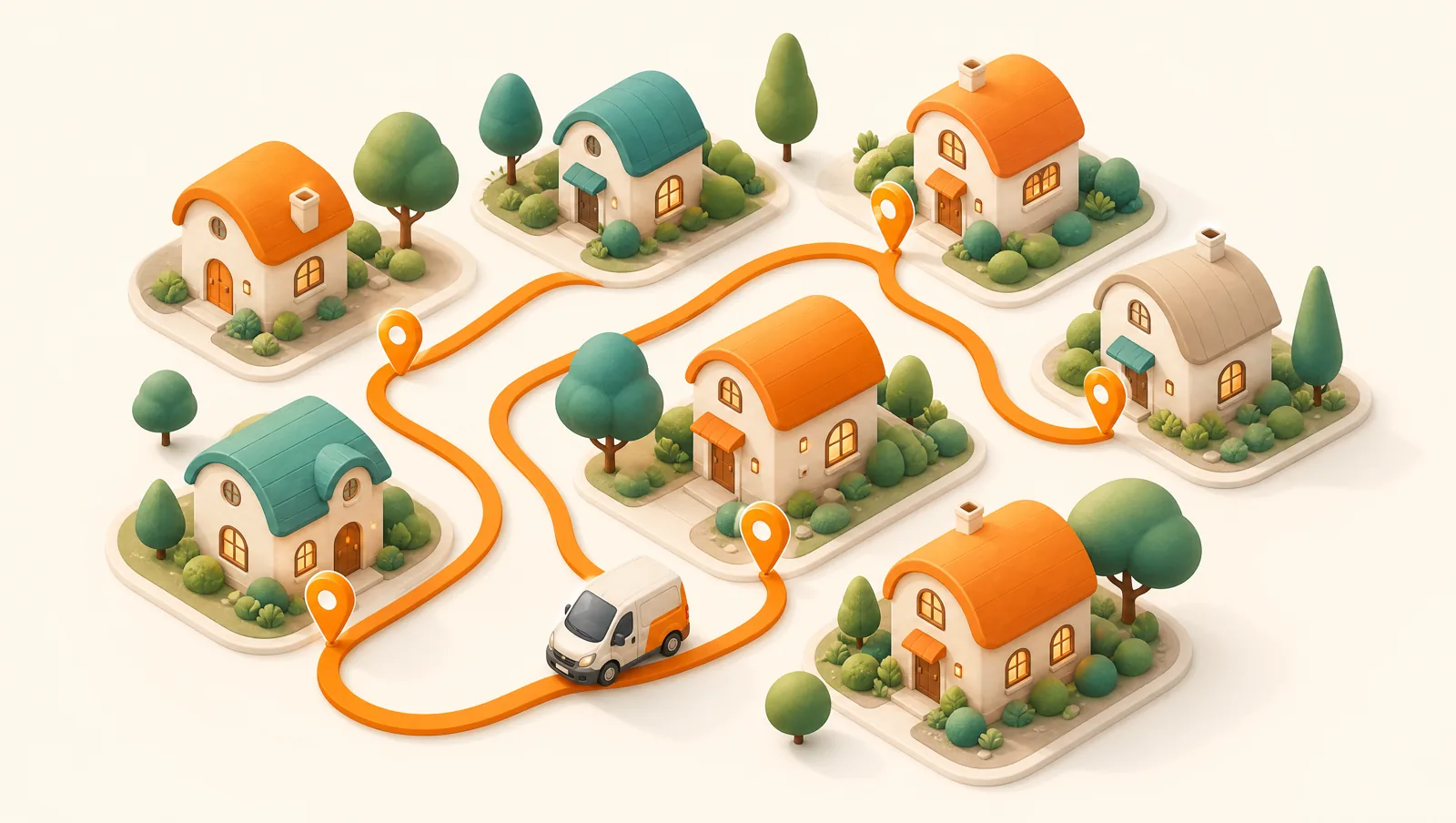
Why is manual route sequencing so inefficient?
The instinct is to sort stops by neighborhood or by postal code and call it a route. That feels organized, but it ignores the thing that actually drives cost: the order in which you visit stops. With just 12 deliveries there are nearly 40 million possible sequences. A human picks one that looks reasonable on a map and moves on. The "looks reasonable" route is usually 20 to 40 percent longer than the genuinely optimal one because the eye can't account for one-way streets, turn restrictions, or the compounding cost of small backtracks.
The deeper problem is that manual sequencing doesn't scale with constraints. Add a few morning-only time windows, a refrigerated van that can't take the long highway loop, and a high-priority order, and the mental math collapses. This is exactly the class of problem computers are good at and people are bad at. It is also why free navigation apps run out of road for real delivery work — Google Maps caps a route at 10 stops and never reorders them for you, so the sequencing stays a manual job no matter how many addresses you add.
What constraints matter most in multi-stop routing?
Good route sequencing is not just "shortest path." A route that is mathematically shortest but breaks a promised delivery window is a worse route. These are the constraints that should shape every sequence:
- Time windows. Customer-promised slots (for example, deliver between 9am and noon) hard-constrain the order of stops. A nearby stop with a tight window often has to come before a closer stop with no window — see how to use delivery time windows without fragmenting your routes.
- Priority. Same-day, fragile, or VIP orders may need to land early regardless of distance.
- Vehicle capacity. Weight, volume, and special handling (chilled, oversized) cap how much one route can carry and sometimes which roads it can use.
- Service time per stop. A signature handoff takes 2 minutes; a furniture install takes 20. Routes that ignore dwell time underestimate the day badly.
- Driver shift length and breaks. A route that finishes 40 minutes into overtime isn't optimized for your actual cost.
- Live traffic. The fastest sequence at 7am is rarely the fastest at 4pm.
What is the difference between distance-based and traffic-aware optimization?
Basic route planners optimize on a static distance or estimated-speed model: they assume a road takes the same time to drive at any hour. That is fine for a quiet rural round and badly wrong for a dense city at rush hour. Traffic-aware optimization pulls live and historical traffic so the sequence reflects how roads actually move at the time each stop will be visited.
In Routella this split is deliberate. Standard optimized routing is included on every plan and handles sequencing, time windows, and priority. When you need live traffic plus delivery-time-window solving, the Smart Routing add-on runs through the Google Routes API for a flat $5/month — 250 stops included on Growth, 1,000 on Pro, then flat packs that never expire — so traffic-grade optimization is never metered per stop. A florist doing tight morning windows in a city benefits enormously; a rural parts delivery often doesn't need it.
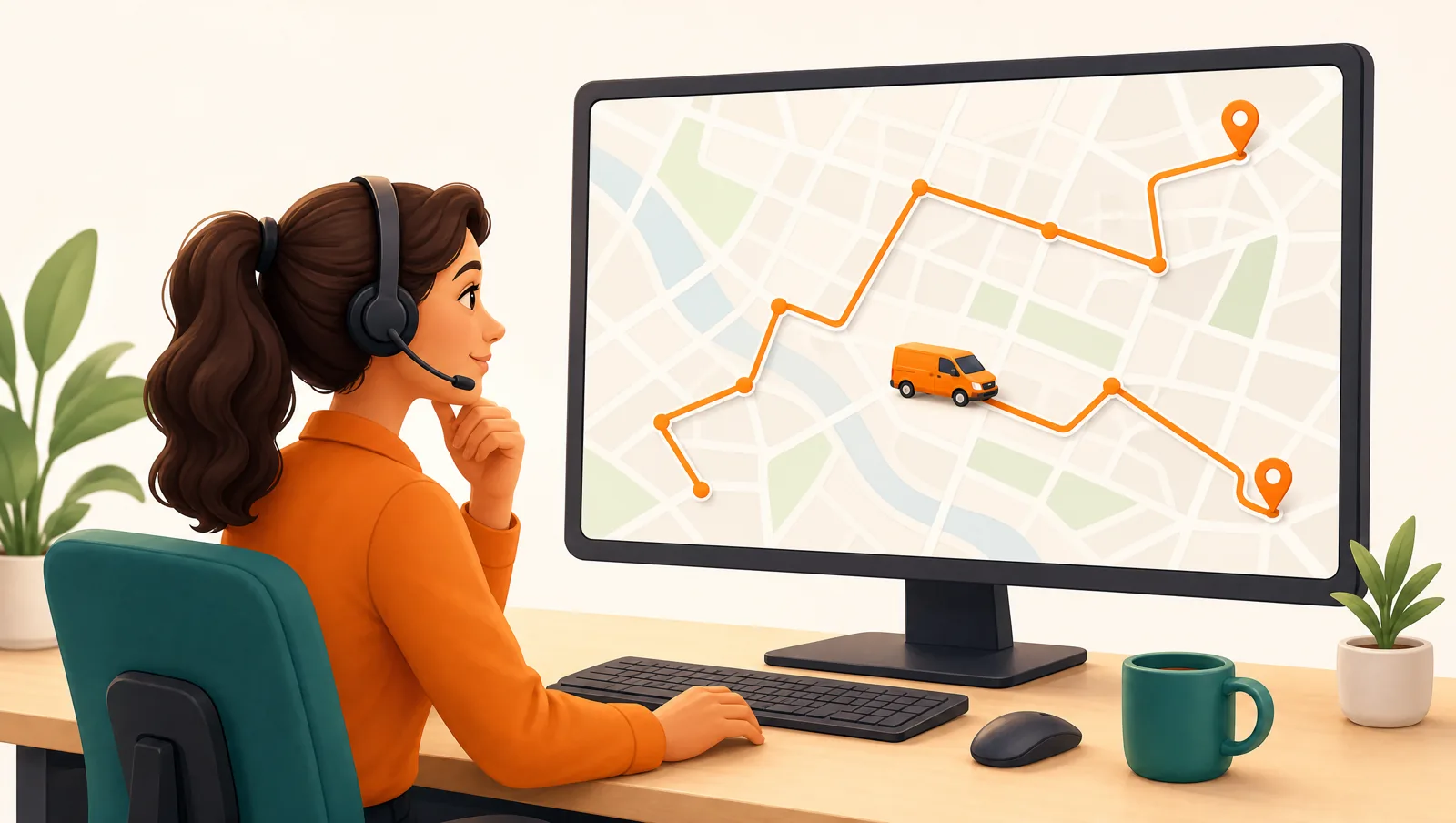
A repeatable workflow for optimizing daily routes
Tooling matters, but the workflow around it matters more. This is the loop that consistently produces efficient routes:
- Import every order before you plan. Don't optimize in waves as orders trickle in. Pull the full order list first so the optimizer can see the whole picture. Routella imports automatically from 32 platforms including Shopify, WooCommerce, and Wix, plus manual entry for phone orders.
- Clean the addresses. Bad geocoding is the number one cause of "the optimizer put these in a weird order." Confirm any address that fails to geocode before you build the route, not after a driver is standing in the wrong street.
- Set constraints up front. Tag time windows, priorities, and vehicle assignments before optimizing. Constraints added after the fact force a re-solve.
- Optimize, then review on the map. Let the engine sequence, then eyeball it. You know things the data doesn't, like a customer who is never home before 5pm.
- Hand-tune by drag-and-drop. The best routes are usually 95 percent machine, 5 percent dispatcher. Routella lets you drag stops to reorder them on a live map and instantly see the new distance and time.
- Dispatch to the driver app. Push the finalized sequence straight to the driver's phone with turn-by-turn navigation, so there is no re-keying and no paper run sheet.
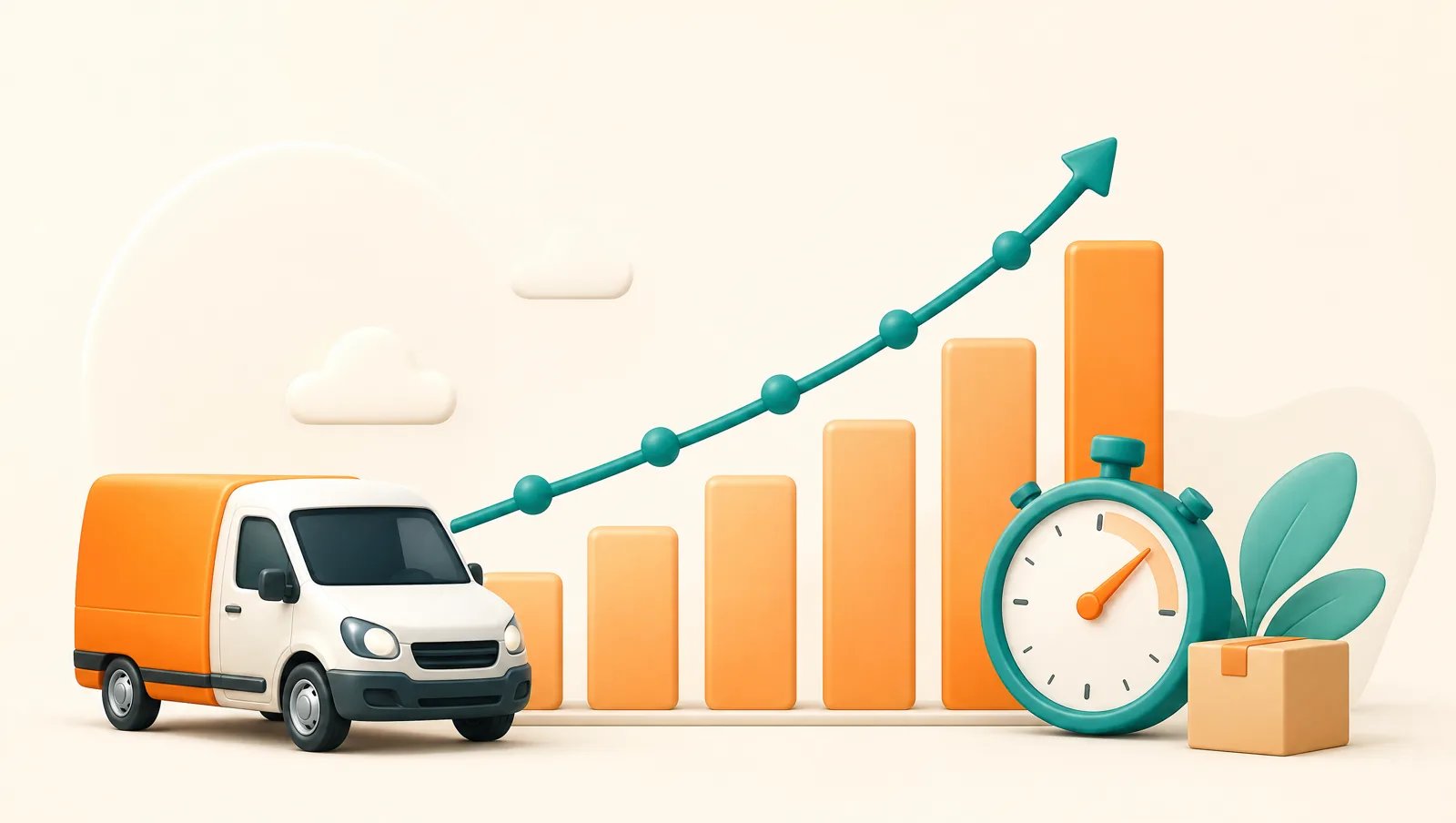
How do you measure whether your routes are actually getting better?
Optimization without measurement is just a feeling. Track a small set of numbers week over week so you can see the trend rather than guessing:
- Cost per drop. Total route cost divided by completed deliveries. This is the headline efficiency number; we break down how to calculate and lower it in delivery cost per drop.
- Stops per hour. A clean proxy for sequencing quality and driver flow.
- Plan-versus-actual time. If actuals run long, your service times are wrong, not your sequencing.
- First-attempt success rate. Tight, on-time routes lift this; see how to reduce failed deliveries.
- Miles per route. The simplest fuel-and-wear signal.
Routella's analytics surface these per driver and per round, so you can spot the route that always runs 90 minutes over and fix the real cause rather than blaming the driver.
Common multi-stop routing mistakes to avoid
- Optimizing too early. Locking routes before the last orders arrive forces messy re-planning.
- Ignoring service time. Twenty stops at 3 minutes each is an hour of standing still that pure distance routing never sees.
- Treating every stop as equal. Without time windows and priority, the optimizer can't protect your most fragile promises.
- No driver feedback loop. Drivers know which buildings have impossible parking. Capture that so the next route reflects it.
- Re-routing constantly mid-shift. Live re-optimization helps when something breaks, but reshuffling a driver's stops every 15 minutes destroys their rhythm and trust.
Getting started
You don't need a fleet to benefit from real route optimization. Even a single driver doing 30 stops a day will finish earlier and burn less fuel with a properly sequenced round. You can build and optimize multi-stop routes on Routella's free plan with no credit card, then add live-traffic Smart Routing only when your density and time windows justify it. Start with the workflow above, measure cost per drop, and let the numbers tell you what to tune next.
Frequently asked questions
What is multi-stop route optimization?
It is the process of ordering a set of deliveries so a driver covers the shortest practical time and distance while respecting constraints like time windows, vehicle capacity, priority, and traffic. Software solves the sequence far better than a person can once you pass a handful of stops.
Should I optimize routes for distance or time?
Optimize for time. Customers experience time, drivers are paid by time, and traffic only appears in the time figure. Distance is easier to measure but a shorter route that sits in rush-hour traffic costs more in practice.
Do I need live-traffic routing for every route?
No. Standard optimized routing handles most rounds well. Live-traffic optimization, like Routella's Smart Routing add-on (a flat $5/month, with 250 stops included on Growth and 1,000 on Pro), pays off most for dense urban routes with tight delivery time windows. Quiet or rural rounds usually don't need it.
Run your own deliveries with Routella
Route optimization, a driver app, proof of delivery, and live customer tracking — in one platform. Free plan, no credit card.