Delivery Time Windows: How to Use Them Without Wrecking Your Routes (2026)
Delivery time windows cut failed deliveries and support calls — but tight windows fragment routes. How to set windows customers and drivers both like.
A delivery time window is the most powerful promise you make to a customer and the most expensive constraint you hand your route. Tell someone their order arrives between 2 and 4 PM and they will be home, the delivery succeeds on the first try, and the "where is my order?" call never happens. But every window you commit to also locks the order of your stops, and a day full of tight windows can splinter an efficient route into an expensive zigzag. The skill is not avoiding time windows — it is designing them so they protect your delivery success rate without quietly wrecking your cost per drop. This guide shows how.
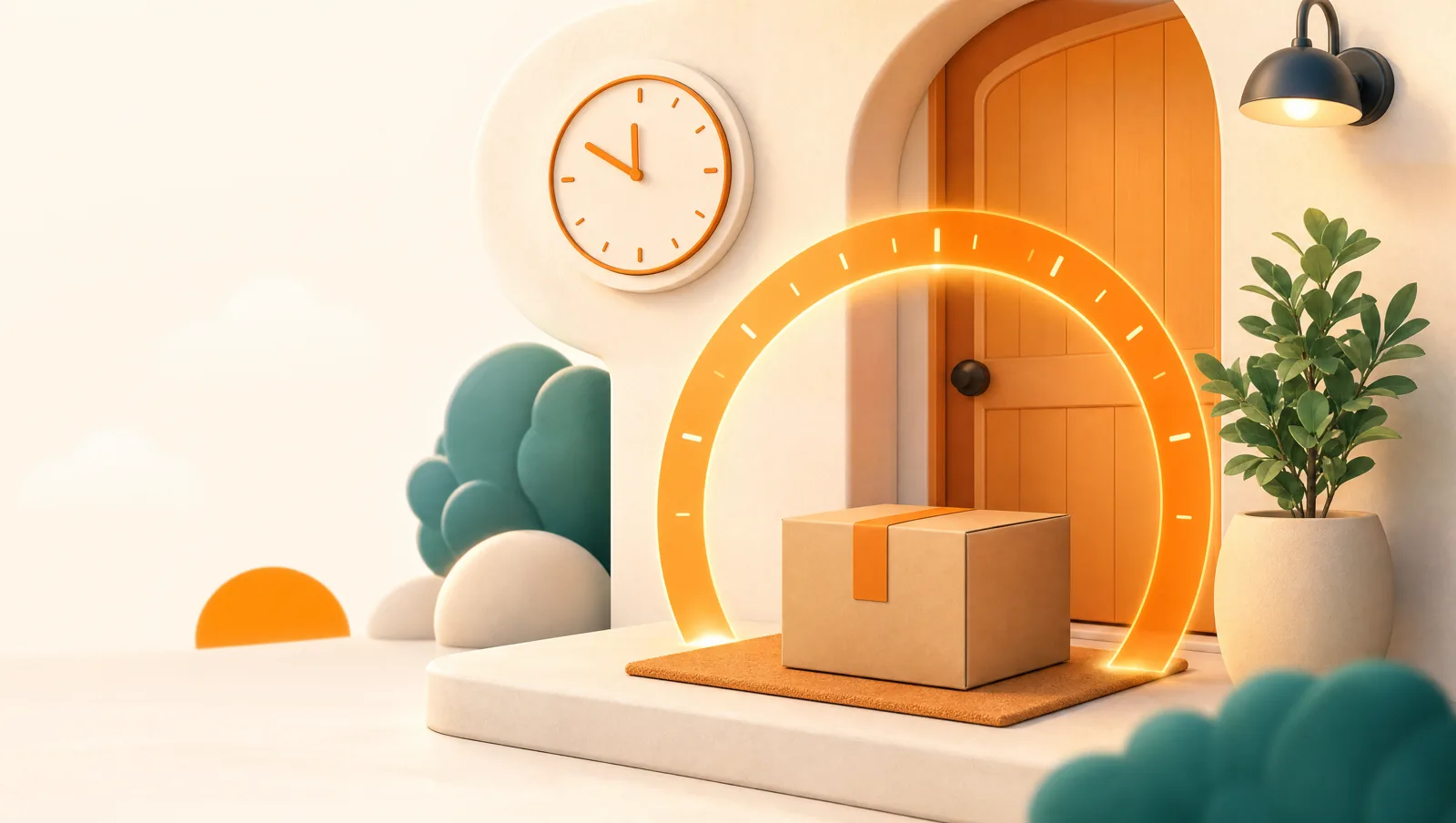
What is a delivery time window?
A delivery time window is a committed span during which a stop must be served — "deliver between 9 AM and noon," "before 2 PM," or "during clinic visiting hours." It can come from the customer (they chose a slot at checkout), from the destination (a venue or hospital that only accepts deliveries at set times), or from the goods themselves (a refrigerated item that cannot sit in a hot van all afternoon). Whatever the source, a window turns a loose list of addresses into an ordered problem: a nearby stop with a tight window often has to be served before a closer stop with no window at all.
That is the difference between a navigation app and a delivery tool. A map answers "what is the fastest path through these stops in this order?" A delivery platform answers "what order respects every promised window and keeps the route short?" — which is the real job once windows enter the picture. For the mechanics of that, see our guide to optimizing multi-stop routes.
Why do time windows matter so much?
Because a missed delivery is one of the most expensive events in last-mile logistics. A failed first attempt means a second trip — fuel, driver time, and a re-handled parcel — plus a frustrated customer who may never order again. The single biggest cause of that failure is simple: nobody was home. A realistic time window is the most direct fix, because it tells the customer when to be there and tells you when they will be.
- Fewer failed deliveries. A customer who knows the four-hour span their order lands in is far more likely to be present than one given only a vague "sometime today." This is one of the most reliable levers to lift first-attempt rate.
- Fewer support tickets. A clear window plus a live tracking link answers "where is my order?" before the customer picks up the phone — the cheapest way to cut WISMO contacts.
- Higher trust and repeat orders. A window you reliably hit builds more goodwill than a fast delivery the customer was not expecting. Predictability is a feature.
- Protected, time-critical goods. For flowers, food, and medication, the window is not a convenience — it is the difference between a fresh delivery and a ruined one.
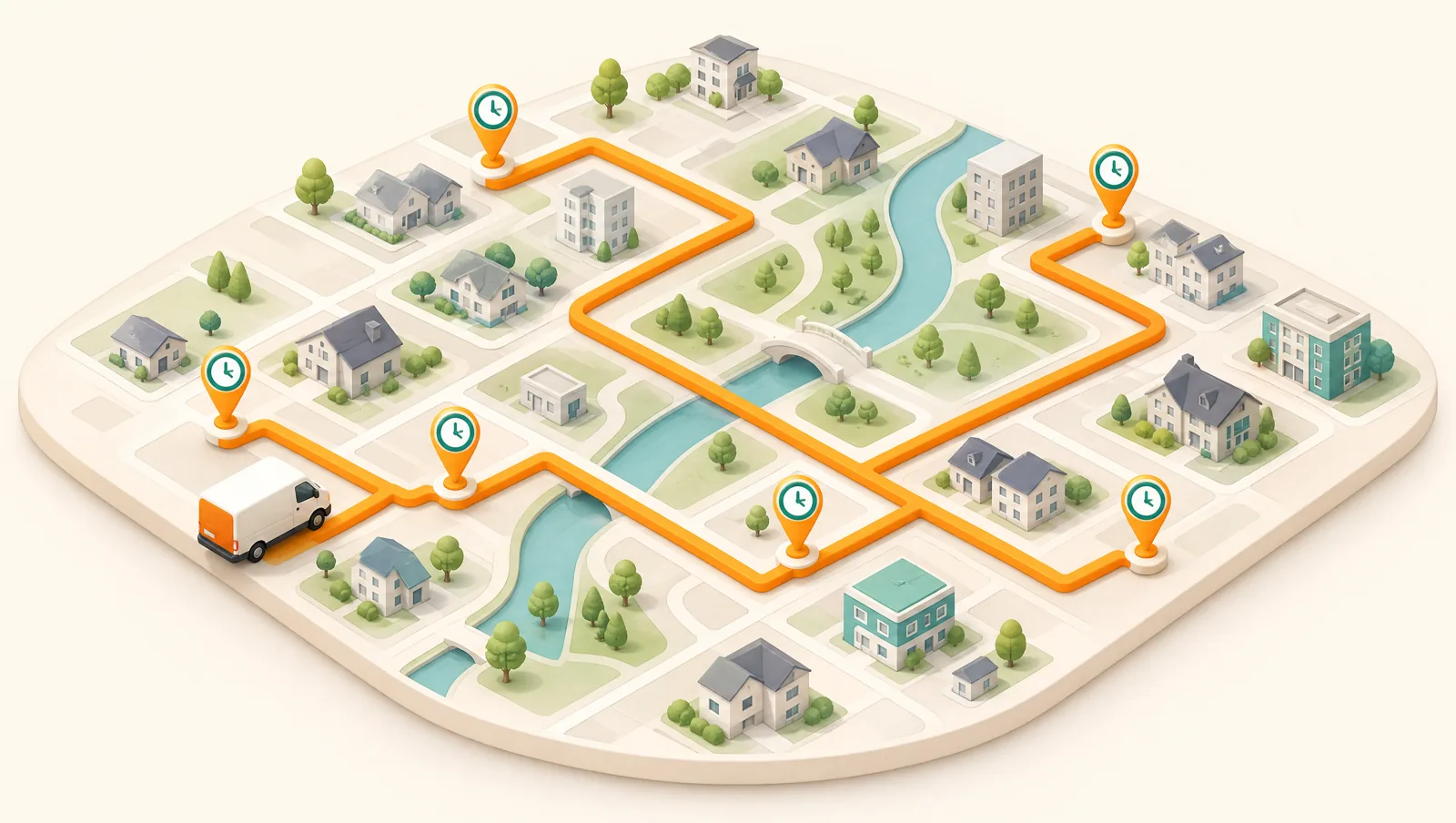
The hidden cost: tight windows fragment your routes
Here is the part most "offer delivery windows!" advice skips. Every window you commit to removes a degree of freedom from the route. With no windows, the optimizer is free to order stops purely for the shortest path. Add a cluster of 9-to-11 AM windows on the far side of town and a few noon-to-2 PM windows near the depot, and the driver may have to cross the service area twice to honor both — burning the exact miles and minutes that route optimization exists to save.
The effect compounds. The narrower each window and the more stops that carry one, the fewer ways there are to sequence the day, and the lower your route density falls. Lower density means fewer drops per hour, which means a higher cost on every single delivery. So time windows are not free reliability — you are trading a slice of route efficiency for a slice of delivery certainty. The goal is to make that trade on purpose, where it pays off, rather than slapping a tight window on every order by default.
How wide should a delivery time window be?
Wide enough that the route can absorb it, narrow enough that the customer trusts it. There is no universal number, but a few principles hold across most local delivery operations:
- Two to four hours is the usual sweet spot for local same-day and next-day delivery. It is specific enough that people plan around it and loose enough that the optimizer still has room to sequence efficiently.
- Reserve your tightest windows for the orders that truly need them — a wedding venue, a hospital, a refrigerated drug. Charge for, or limit the number of, one-hour slots so they stay the exception.
- Offer half-day windows (morning / afternoon) as the default where you can. They give you the most routing freedom and still beat a same-day-no-window experience for the customer.
- Cap how many tight windows land in the same area at the same time. Three one-hour slots across town at 9 AM will fight each other; spreading or batching them keeps the route buildable.
And remember that a real-time tracking link narrows the felt window for free. A customer given a 2-to-4 PM slot who can watch the driver approach effectively gets a 15-minute heads-up without you committing to a 15-minute promise — see live delivery tracking and ETAs.
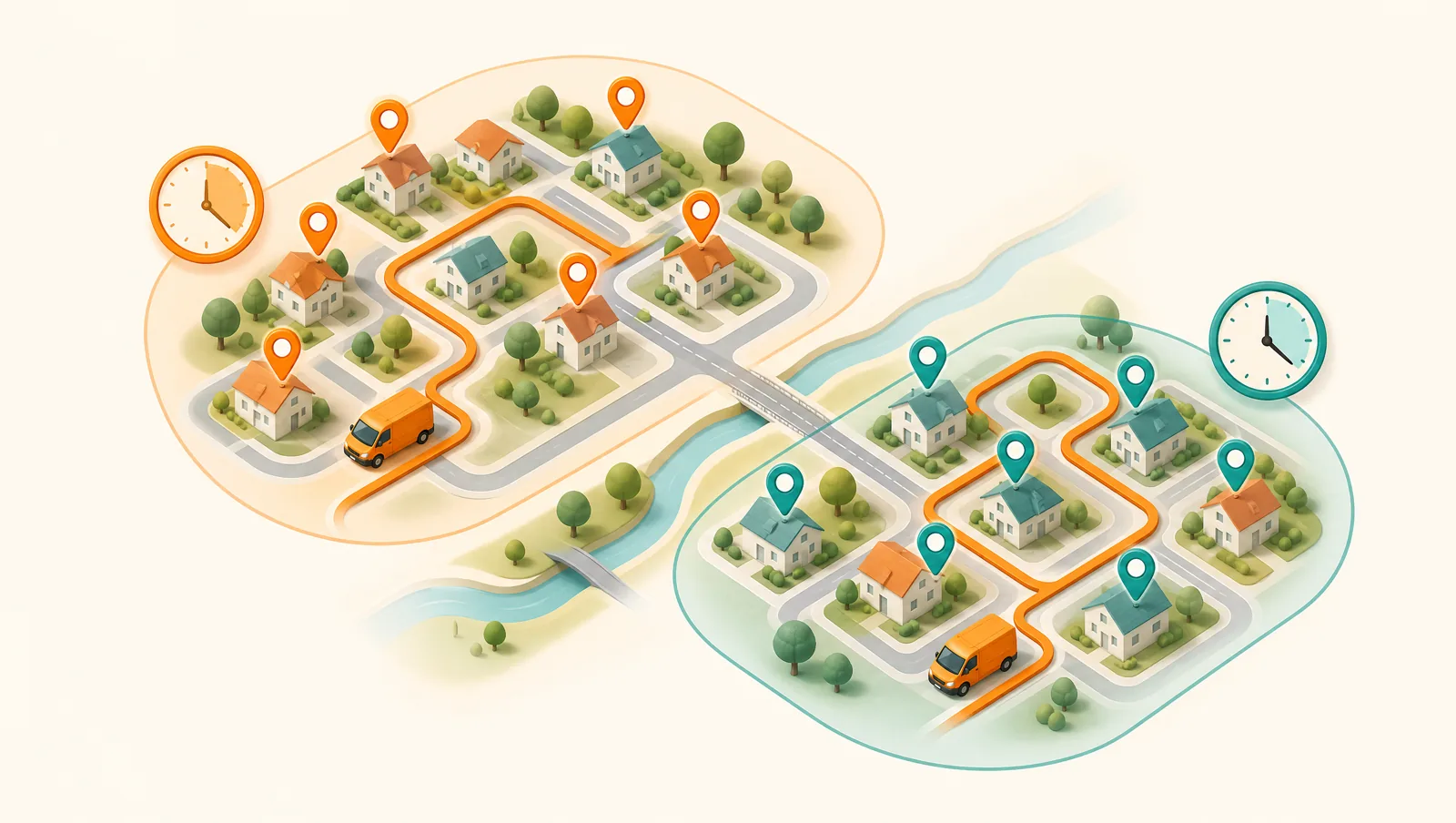
How to set windows that customers and routes both like
The best time-window strategy is operational, not just a checkout setting. A few practices that consistently work:
- Batch by area and window together. Group morning-window stops in one round and afternoon-window stops in another, each clustered geographically. Designing rounds around the windows up front beats forcing one optimizer to satisfy every window across a whole city.
- Set the window before you optimize, not after. Constraints added once the route is built force a re-solve. Tag each stop’s window, priority, and any vehicle requirement first, then let the tool sequence.
- Confirm the window in the on-the-way message. A quick automated WhatsApp, SMS, or email update restating the slot and linking to live tracking is what actually keeps the customer home.
- Promise the window you can keep, not the one that sells. A reliably-hit four-hour window earns more repeat business than an optimistic one-hour window you miss a third of the time.
- Review which windows you actually meet. If a particular slot is missed often, it is either too tight for that area or over-subscribed — widen it or cap it rather than hoping next week goes better.
How do time windows work in route optimization?
In Routella, time windows are a first-class part of routing, not a bolt-on. Standard optimized routing is included on every plan and handles sequencing, priority, and time windows — so you can set a stop to "deliver between 1 and 3 PM" and the route respects it. When live traffic also matters, the optional Smart Routing add-on runs through the Google Routes API to solve windows against real-time conditions, for a flat $5 per month with 250 stops included on Growth and 1,000 on Pro. That combination is what makes a window achievable rather than merely short on paper: a 2 PM hospital drop planned at noon has to survive afternoon traffic, and a traffic-aware solve accounts for it.
The workflow is the same one that protects route density elsewhere: orders import automatically from your store or are added by hand, you batch them into rounds grouped by area and window, the optimizer sequences each round, and drivers get a route on their phone with turn-by-turn navigation. Proof of delivery, fulfillment write-back, and the customer’s live tracking link all flow from there. The window is just one more constraint the engine balances against distance and time — which is exactly why doing it in software beats doing it on a map.
Common time-window mistakes
- Defaulting every order to a tight window. You pay the route-density cost on orders that never needed it. Make tight slots opt-in.
- Ignoring travel time between windows. Two back-to-back one-hour windows on opposite sides of town are physically impossible, however good the optimizer is.
- Setting windows but not communicating them. A window the customer never sees does nothing for first-attempt success. Put it in the notification and the tracking page.
- Never measuring window adherence. If you do not track how often you hit each slot, you cannot tell which windows are honest and which are wishful.
The bottom line
Delivery time windows are a trade, not a free upgrade: you exchange a measure of route efficiency for a large measure of delivery reliability and customer trust. Used deliberately — reserved for the orders that need them, kept as wide as the customer will accept, batched by area, and honored in the route by an optimizer that actually solves for them — they cut failed deliveries and support load without gutting your route density. Routella handles time windows on every plan and adds traffic-aware window solving with Smart Routing, so you can set the promise and trust the route to keep it. Try it on a real day of orders with the free plan — 1 driver, 50 orders a month, no credit card — and see how your windows and your route density balance out.
Frequently asked questions
What is a delivery time window?
A delivery time window is a committed span during which a stop must be delivered — for example "between 9 AM and noon" or "before 2 PM." It can come from the customer choosing a slot, from the destination only accepting deliveries at set times, or from time-sensitive goods like food, flowers, or medication. In routing, a window constrains the order of stops, so a nearby stop with a tight window may have to be served before a closer one with no window.
How wide should a delivery time window be?
For most local delivery, two to four hours is the sweet spot: specific enough that customers plan around it and trust it, but loose enough that the route optimizer can still sequence stops efficiently. Reserve tighter one-hour windows for orders that genuinely need them, such as a venue or a refrigerated drug, and offer half-day morning/afternoon windows as a default to keep routing freedom high.
Do delivery time windows reduce failed deliveries?
Yes. The most common reason a delivery fails is that nobody was home, and a realistic time window directly addresses that by telling the customer when to expect the order. Combined with an on-the-way notification and a live tracking link, a clear window is one of the most reliable ways to lift first-attempt delivery rate and cut redelivery costs.
Do time windows make routes less efficient?
They can, if used carelessly. Every committed window removes flexibility from the route, and a day full of tight windows can force a driver to crisscross the service area, lowering route density and raising cost per drop. The fix is to use windows deliberately — reserve tight ones for orders that need them, keep most windows wide, batch stops by area and window, and let a route optimizer that solves for time windows balance them against distance.
Does Routella support delivery time windows?
Yes. Standard optimized routing on every Routella plan handles time windows alongside sequencing and priority, so a stop set to "deliver between 1 and 3 PM" is respected in the route. The optional Smart Routing add-on solves windows against live traffic through the Google Routes API for a flat $5 per month (250 stops included on Growth, 1,000 on Pro), so the promised window survives real-world conditions rather than just looking achievable on a clear map.
Run your own deliveries with Routella
Route optimization, a driver app, proof of delivery, and live customer tracking — in one platform. Free plan, no credit card.