Using Google Maps for Delivery Routes: Limits & When to Switch (2026)
Google Maps caps routes at 10 stops and never optimizes the order. Here is exactly what it can and cannot do for deliveries, and when to switch tools.
Almost every small delivery operation starts the same way: a phone, Google Maps, and a list of addresses typed in one at a time. It is free, everyone already knows it, and for a couple of drops it works fine. The trouble starts the moment your day grows past a handful of stops — Google Maps quietly caps how many you can add, never reorders them into the shortest run, and has nothing to say about drivers, proof of delivery, or keeping customers informed. This guide lays out exactly what Google Maps can and cannot do for deliveries in 2026, and the clear signs it is time to switch to dedicated route planning software.
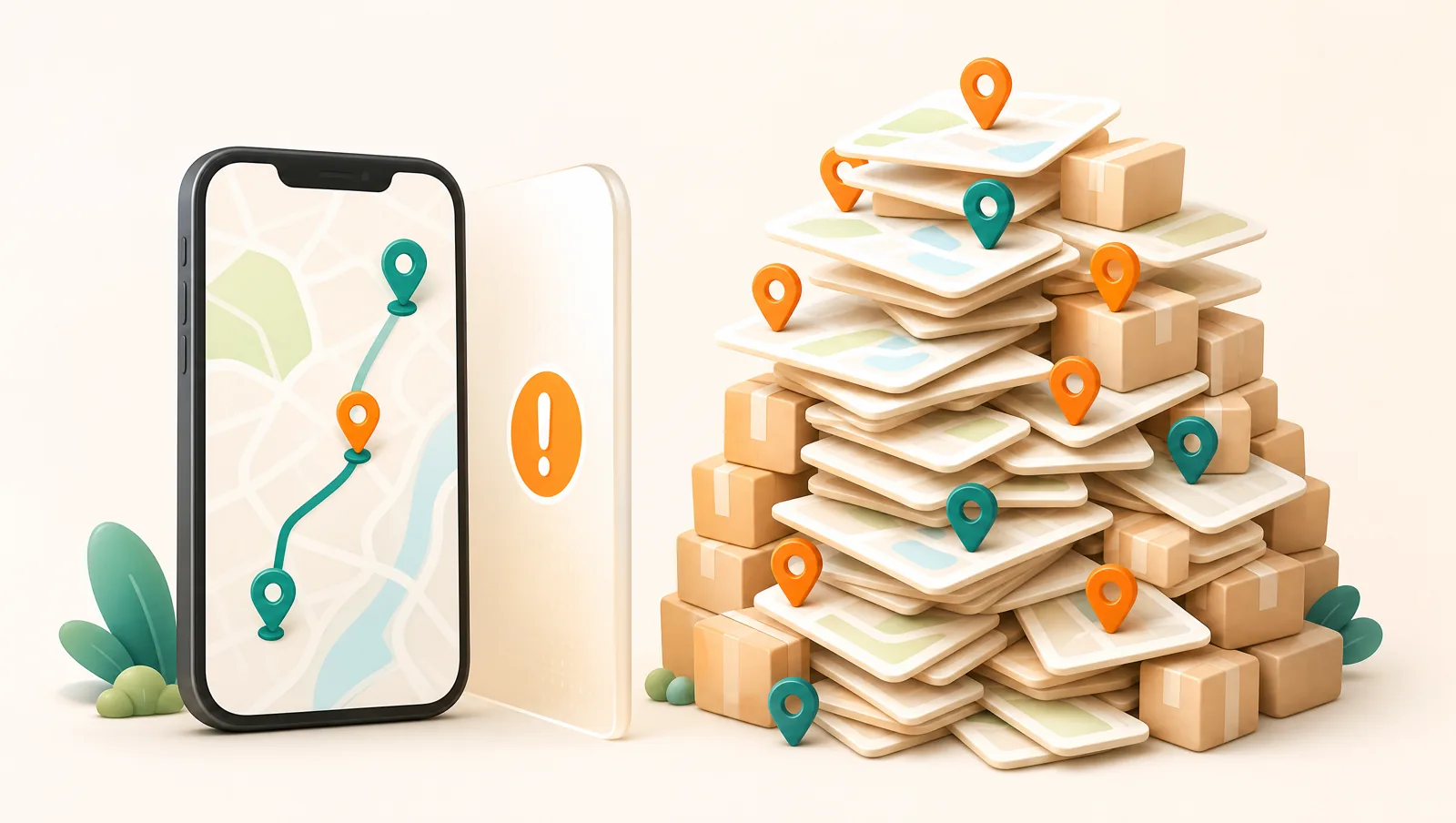
Can you use Google Maps to plan a delivery route?
Yes — for a small, simple route. You can add several destinations to a single trip, drag them into the order you want, and get turn-by-turn navigation between them. For a driver with three or four nearby drops and no special requirements, that is genuinely enough, and there is no reason to pay for software to do it.
The catch is that Google Maps is a navigation app, not a delivery app. It answers "how do I drive from A to B to C in this order?" It does not answer "what is the best order for these 18 stops, who should drive them, did they arrive, and how do I tell the customer?" Those last questions are the actual work of running deliveries, and they are where Google Maps runs out of road.
How many stops can Google Maps handle?
In the consumer Google Maps app and website, a single route is limited to 10 locations total — your starting point plus up to nine stops. Try to add an eleventh and there is simply no room for it. Drivers work around this by splitting a day across two or three separate Google Maps trips, but then you are juggling multiple links and re-typing the same addresses.
There is a developer route — the paid Google Maps Platform Directions API supports up to 25 waypoints per request — but that is a programming interface, not an app a driver can open and follow. To actually use it you would need to build software around it. In other words, the 10-stop wall is the real one for anyone hand-planning routes.
Does Google Maps optimize the order of stops?
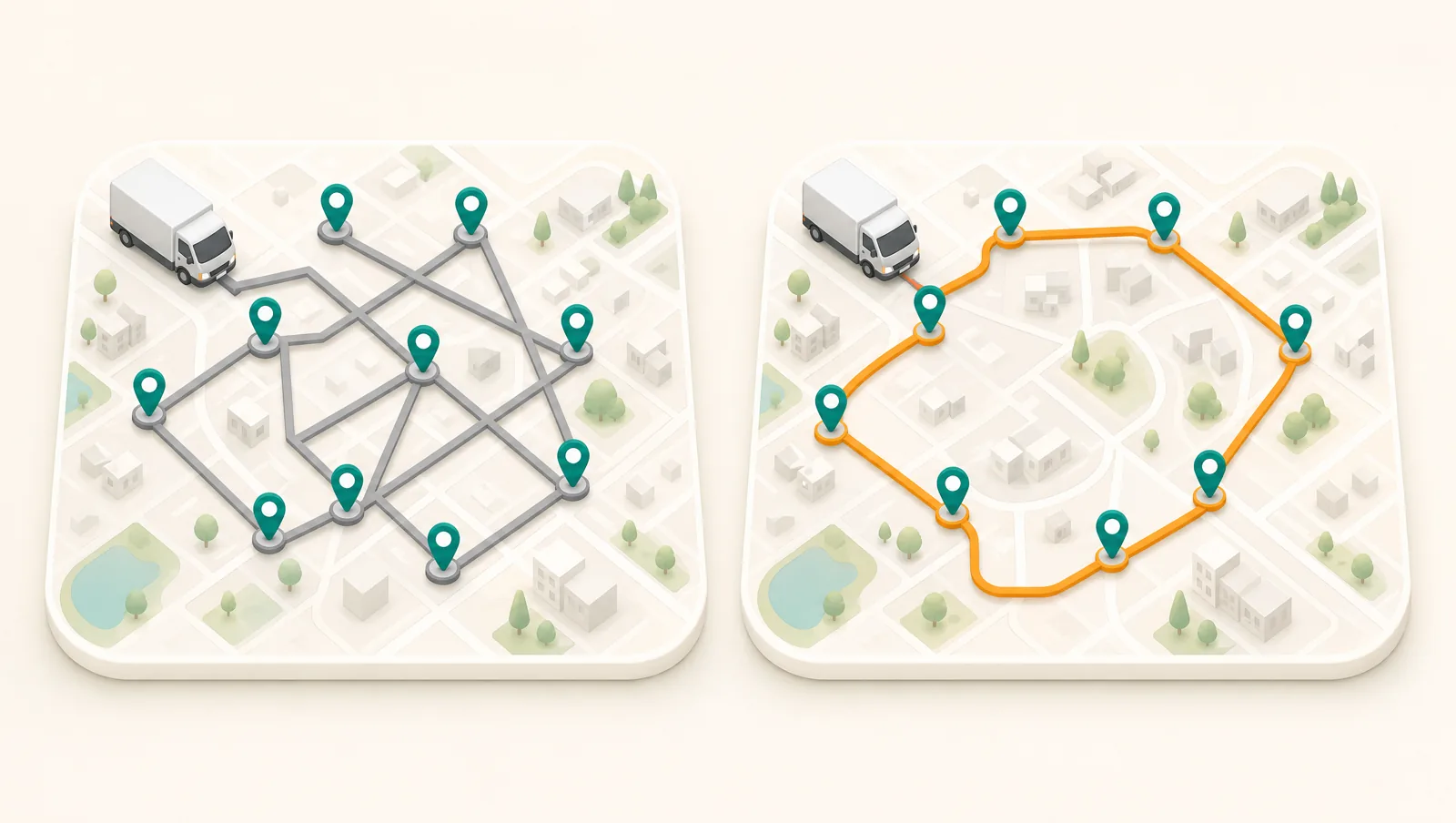
No, and this is the limitation that costs the most money. Google Maps will route you through your stops in the exact order you enter them. It does not look at all the addresses and work out the shortest, fastest sequence — you do that yourself, by dragging stops up and down and eyeballing the map. With six stops that is tedious; with fifteen it is effectively impossible to get right by hand, and a poorly ordered route burns fuel and driver hours on every single run.
True multi-stop route optimization is exactly the job a delivery tool exists to do: feed it the day’s addresses and it returns the optimal order in seconds, accounting for distance and — with traffic-aware engines — live conditions and delivery time windows. That is the single biggest lever on cost per drop, and it is the one thing Google Maps structurally does not offer.
What can Google Maps not do for deliveries?
Beyond the stop cap and the lack of optimization, a navigation app is missing the entire back half of a delivery operation:
- No multi-driver dispatch. There is no concept of a team — you cannot split the day across drivers, see who has what, or reassign a stop. Every driver is on their own private trip.
- No order import. Addresses are typed in by hand. Orders sitting in your Shopify, WooCommerce, or Wix store have to be copied across one by one, which is slow and error-prone.
- No proof of delivery. No signature, photo, or barcode at the door — so "it never arrived" disputes come down to your word against the customer’s. See our proof of delivery guide.
- No customer tracking or notifications. The customer has no idea where their order is, which drives "where is my order?" calls and bad reviews even on perfectly good deliveries.
- No fulfillment write-back. Nothing flows back to your store, so a delivered order is not marked fulfilled automatically and you double-handle it.
None of these are edge cases — they are the everyday mechanics of getting orders to doors reliably. A delivery platform folds all of them, plus the routing, into one board so nobody is retyping addresses or chasing status by phone.
When should you switch from Google Maps?
You have outgrown Google Maps the moment any of these is true:
- You regularly plan more than about eight stops in a day, or split routes across multiple Google Maps trips.
- You have more than one driver and need to balance work between them.
- Your orders come from an online store or spreadsheet and re-typing them is eating time.
- Customers expect an on-the-way message and a live ETA, not silence — the fastest way to cut where-is-my-order tickets.
- You need proof of delivery for disputes, high-value goods, or regulated items.
- You collect cash on delivery and need it reconciled rather than tracked on paper.
If two or more of those describe your day, a better route order alone will not fix it — you need the full workflow around the route.
How do you plan delivery routes properly?
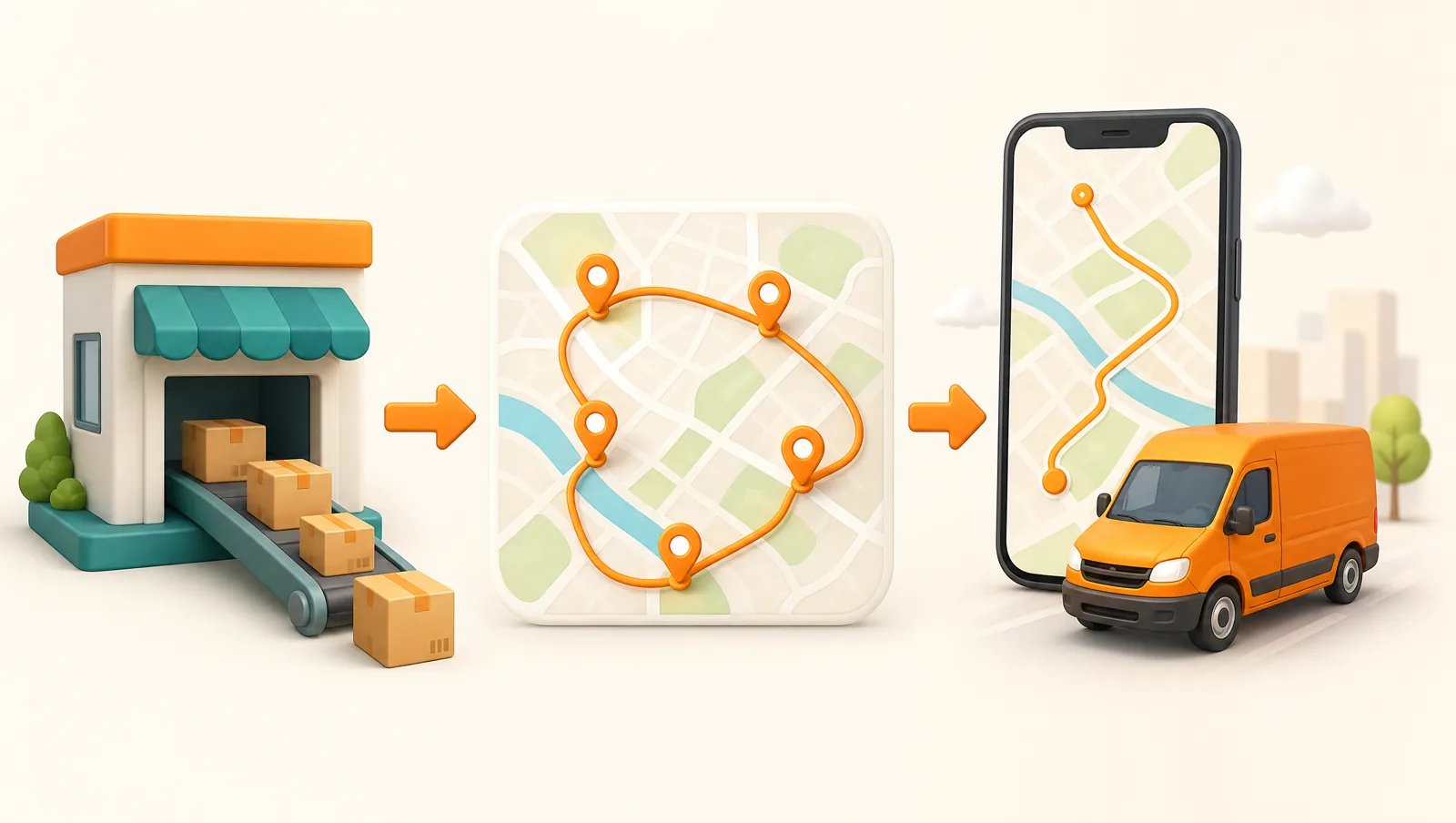
The goal is to stop hand-feeding addresses and let a tool do the routing, dispatching, and customer updates for you. With Routella the flow looks like this:
- Get your orders in automatically. Connect your store and orders import on their own — or add manual orders for phone-in jobs — so nothing is retyped.
- Optimize the route. Group the day’s stops into rounds and let Routella build the shortest sequence for each driver. Its route optimizer is free with no API key, and a dispatcher can drag to reorder stops by hand when local knowledge beats the algorithm.
- Dispatch to drivers. Assign each round in one tap. Drivers open it on their phone with turn-by-turn navigation — no 10-stop ceiling and no juggling separate links.
- Capture proof and keep customers informed. Drivers capture a signature, photo, or barcode at each stop, the customer gets a live tracking link with a real-time ETA, and fulfillment writes back to your store automatically.
When live traffic and delivery time windows matter, Routella’s optional Smart Routing add-on is built on the Google Routes API — so you get Google’s routing quality wrapped in an actual delivery workflow rather than a bare map.
The bottom line
Google Maps is a great way to navigate and a poor way to run deliveries. Its 10-stop limit, lack of stop-order optimization, and missing driver, proof, and tracking features mean it stops being free the moment those gaps start costing you time, fuel, and customers. When you cross that line, the answer is not a workaround — it is a tool built for the job. Routella has a free plan (1 driver, 50 orders per month, no credit card) so you can plan and run a real optimized route and feel the difference before paying anything. To weigh the wider field first, read our delivery software comparison for 2026.
Frequently asked questions
Can Google Maps plan a delivery route with multiple stops?
Yes, up to a point. Google Maps lets you add up to 10 locations in one route — your starting point plus nine stops — and gives turn-by-turn navigation between them. But it will not optimize the order of those stops for you, and it has no driver dispatch, proof of delivery, or customer tracking. For more than about eight stops or any of those features, you need dedicated route planning software.
How many stops can you add in Google Maps?
The consumer Google Maps app and website cap a single route at 10 locations total (start plus nine stops). The paid Google Maps Platform Directions API supports up to 25 waypoints, but that is a developer interface, not an app a driver can open and navigate.
Does Google Maps optimize the order of stops?
No. Google Maps routes you through stops in the exact order you enter them and does not calculate the shortest overall sequence. You have to reorder stops manually. Dedicated route optimization software does this automatically in seconds, which is the main reason delivery operations move off Google Maps.
What is a good free alternative to Google Maps for delivery routes?
Routella has a free plan that includes its route optimizer (free, no API key), a mobile driver app, proof of delivery, and a live customer tracking page — for 1 driver and 50 orders per month with no credit card required. Unlike Google Maps it optimizes stop order, imports orders from your store, and keeps customers informed.
When should I stop using Google Maps for deliveries?
Switch when you regularly plan more than about eight stops, run more than one driver, import orders from a store, need proof of delivery, want to send customers live tracking, or collect cash on delivery. At that point a navigation app costs you more in time and fuel than dedicated delivery software costs to run.
Run your own deliveries with Routella
Route optimization, a driver app, proof of delivery, and live customer tracking — in one platform. Free plan, no credit card.