Grocery Delivery Software for Local Stores (2026): Own Drivers, Same-Day & Routes
How local grocery stores run same-day delivery with their own drivers: routing, delivery windows, proof of delivery, live tracking, and the software behind it.
Grocery is one of the hardest things to deliver well. The orders are bulky and perishable, customers expect them same-day and often within a chosen window, and a missed drop does not just annoy someone — it spoils a bag of groceries and burns the margin twice. For a local supermarket, greengrocer, butcher, or online grocery brand doing its own deliveries, the difference between a profitable operation and a leaky one is almost entirely the software around the van.
This guide covers what grocery delivery software actually has to do, how a local store sets up in-house grocery delivery step by step, and the levers that keep grocery routes dense enough to pay for themselves. It sits alongside our guides to running your own delivery operation and offering same-day local delivery — this one is specifically about groceries.
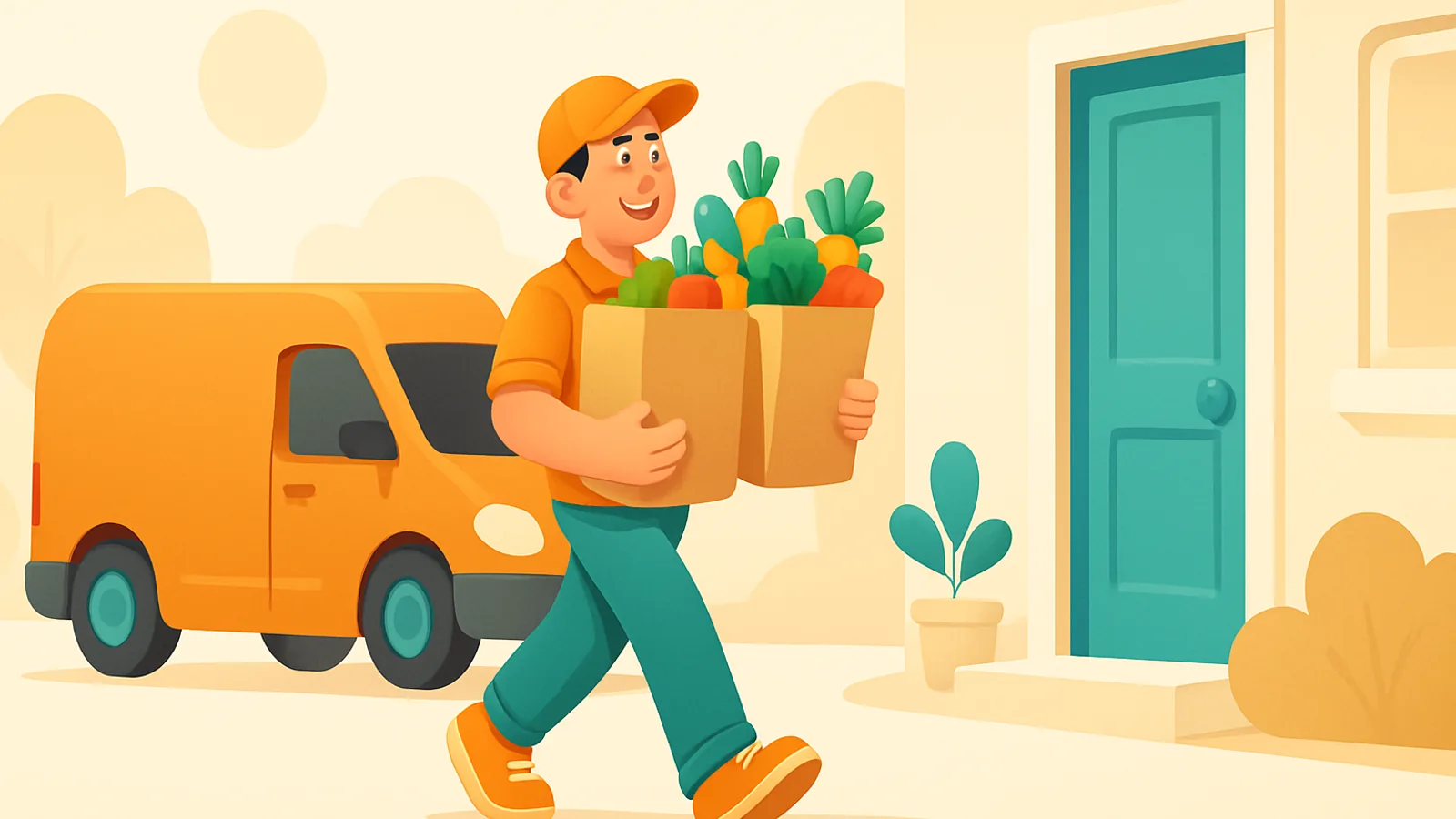
Is grocery delivery different from other local delivery?
Yes — in four ways that change what software you need. Miss any of them and a general route planner will let you down on grocery.
- Perishability and the cold chain. Chilled and frozen goods have a clock on them. Routes have to be short and first-attempt success has to be high, because a redelivery tomorrow is not an option for a bag of thawed groceries.
- High stop density. Grocery rounds are dense — many drops close together — which is exactly where route optimization and batching pay off most. Density is the single biggest lever on grocery delivery cost.
- Delivery windows. Shoppers expect to pick a slot ("between 2 and 4pm"), and someone usually has to be home to take a chilled order in. Windows are a hard constraint on the route, not a nice-to-have.
- Bulky, capacity-limited loads. A route can look balanced on stop count and still be impossible because the crates will not fit in the van. Volume and weight are real limits on a grocery round.
What grocery delivery software actually needs to do
Strip away the marketing and a grocery operation needs seven things working together:
- Multi-stop route optimization — sequence a dense round of drops into the shortest, fastest path, accounting for traffic and delivery windows, not just A-to-B directions.
- Delivery windows — let customers choose a slot and have the route respect it, so chilled orders land when someone is home.
- Capacity-aware dispatch — plan by van volume and weight so a route is physically deliverable, and split the day fairly when you run more than one driver.
- A mobile driver workflow — stops, turn-by-turn navigation, and one-tap completion on the driver’s phone, ideally working offline through dead zones.
- Proof of delivery — a photo or signature at the door, both to confirm a chilled order was handed over and to settle "it never arrived" disputes.
- Live customer tracking + notifications — an "on the way" message and a live ETA page, so the customer is home for the window and stops calling to ask.
- Order import — pull orders from your online store or take them by phone into one dispatch board, instead of re-typing a morning’s worth of grocery orders.
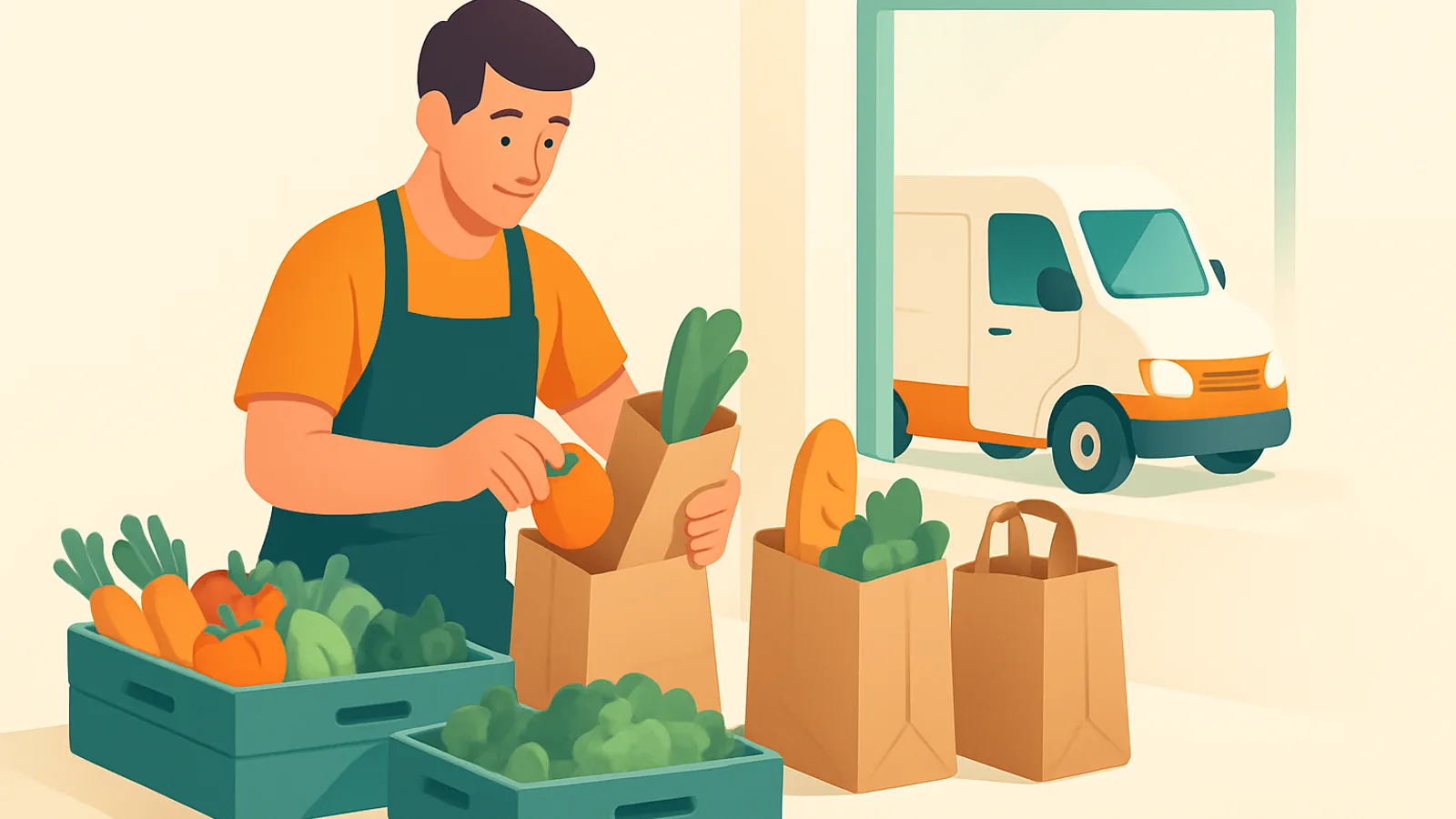
How to set up in-house grocery delivery, step by step
The stores that deliver groceries calmly are not doing anything clever — they run the same sequence every day instead of improvising. A workflow that holds from one van to a small fleet:
Keeping grocery routes dense (and profitable)
Grocery margins are thin, so the whole game is fitting more drops into less driving. Density is the lever, and four things move it:
- Route optimization. Reordering a round into the shortest sequence shrinks the distance between stops and directly lifts stops per hour — work that takes a dispatcher an hour by hand and still comes out worse.
- Delivery windows that cluster demand. Guiding customers toward a handful of slots lets you batch orders that are close in both space and time, which is far denser than an all-day free-for-all. Our guide to delivery time windows covers how to use them without wrecking your routes.
- Well-drawn zones. Splitting your service area into zones keeps each driver in a tight patch and makes daily assignment almost automatic. See how to set up delivery zones by drive time.
- Balanced multi-driver dispatch. Once you run more than one van, the density win comes from splitting the day evenly — see how to dispatch multiple drivers so no route is overloaded while another idles.
- Density is the biggest lever on grocery delivery cost — more drops per hour, less driving.
- Delivery windows are not just customer service; they let you batch orders into denser rounds.
- A route balanced on stop count can still be undeliverable — plan by van capacity too.
- Perishables raise the stakes on first-attempt success: a missed grocery drop is spoiled stock.
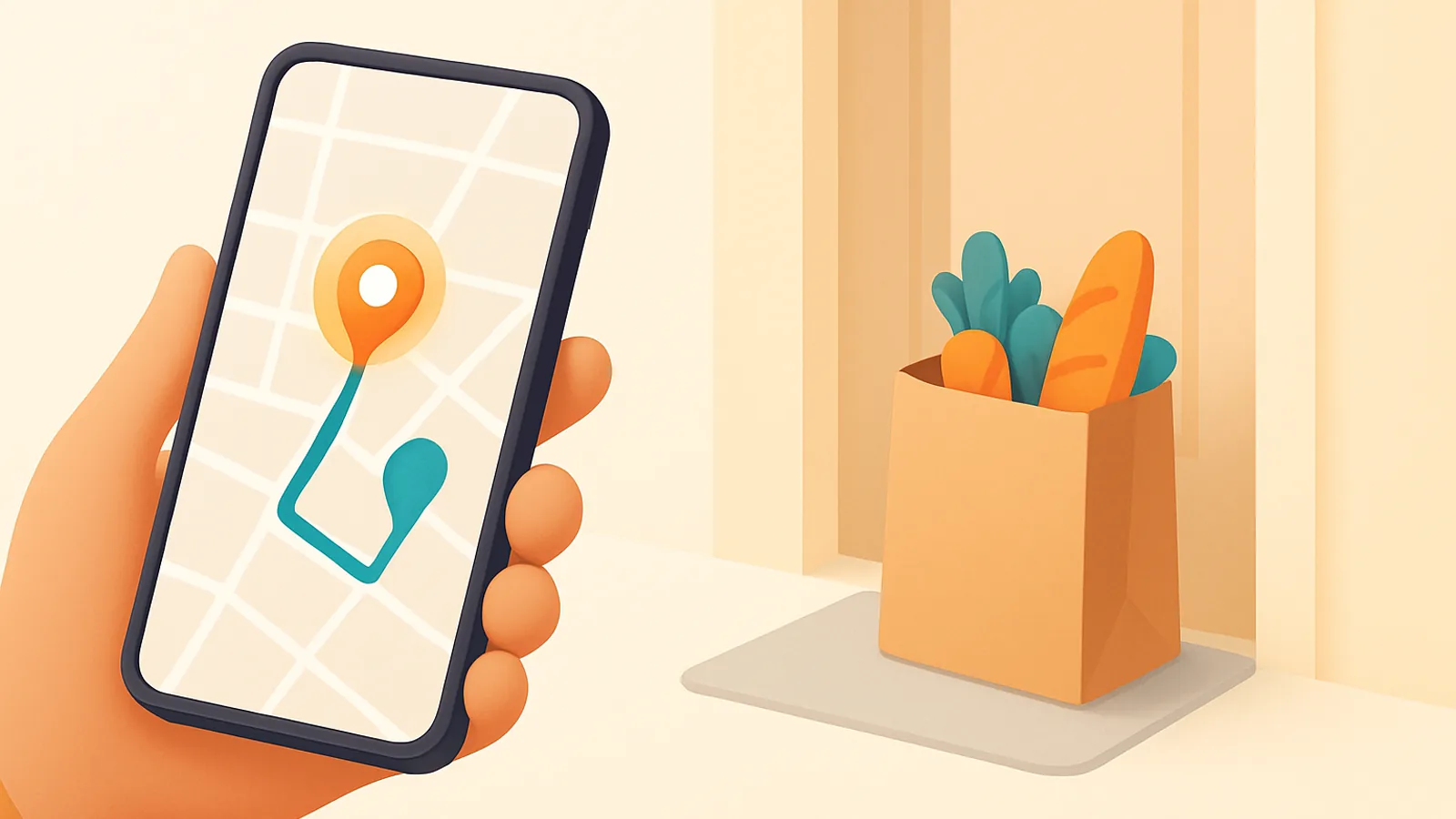
Proof of delivery and keeping customers informed
Two things protect a grocery operation from its most expensive failure modes. Proof of delivery — a photo or signature at the door — confirms a chilled order was actually handed over and settles disputes without a refund-and-argue cycle. And a live tracking link with a real ETA, plus an automatic "on the way" message by WhatsApp, SMS, or email, is what gets the customer home inside their window — which is the single highest-impact thing you can do for first-attempt success. Both together turn "where is my order?" calls and missed drops from a daily tax into an exception.
How Routella fits grocery delivery
Routella covers this whole workflow in one platform. Orders from your store — Shopify, WooCommerce, Wix and more, plus manual entry and an API — land in one dispatch view with addresses geocoded on import. You batch drops into rounds, Routella builds the shortest route for each driver with delivery windows respected, and a live volume-and-weight meter warns you about an overloaded van before it leaves rather than after. When you run several drivers you assign in one tap or auto-assign by zone.
Drivers get their stops on their phone through a secure link with no app to install and no login, in optimized order with turn-by-turn navigation and one-tap completion, and the driver page works offline for chilled runs through dead zones. Each stop captures photo or signature proof of delivery, every customer gets a live tracking page with a real ETA in 195 languages plus WhatsApp/SMS/email updates, and Routella can collect cash on delivery where you need it. When a driver marks a drop delivered, the order is written back as fulfilled automatically. For the wider category, see our delivery software comparison.
The bottom line
Grocery delivery is a density problem wrapped around a cold-chain problem: fit more drops into less driving, land them inside the window, and get them right the first time because a second attempt means spoiled stock. Get orders into one place, offer real delivery windows, plan capacity-aware routes, give drivers a mobile workflow, and keep customers tracked, and in-house grocery delivery becomes a genuine profit centre instead of a cost you tolerate. If you want one tool that does all of it, see how Routella works or start on the free plan — no credit card required.
Frequently asked questions
What is the best grocery delivery software for a local store?
For a local store running its own drivers, the right tool covers the whole workflow — route optimization, delivery windows, capacity-aware dispatch, a mobile driver app, proof of delivery, and live customer tracking — not just route math. Routella is a strong all-in-one that does all of that, imports orders from Shopify, WooCommerce, Wix and more, and has a free plan with no credit card. Shipday, Routific, Upper, and Onfleet are other options worth shortlisting.
Do I need special software for grocery delivery, or will any route planner do?
Grocery has four demands a general route planner often misses: perishable goods that need short routes and high first-attempt success, high stop density, customer-chosen delivery windows, and bulky loads limited by van capacity. Software that handles windows and capacity — not just the shortest path — is what keeps grocery routes both deliverable and profitable.
How do I offer same-day grocery delivery?
Take orders into one dispatch board, offer delivery windows customers can pick, batch orders that share a window and a neighbourhood into a round, optimize each round, and dispatch to drivers with live tracking so customers are home for the slot. The tighter and denser your windows, the more same-day drops one driver can complete profitably.
How do I keep grocery delivery routes profitable?
Density is the lever: fit more drops into less driving. Optimize each round, use delivery windows to cluster orders in space and time, draw tight zones so drivers stay in a small patch, and balance the day across drivers so no route is overloaded while another idles. Planning by van capacity keeps a dense route actually deliverable.
Does grocery delivery software capture proof of delivery?
It should. Routella captures a photo or signature at each drop, which confirms a chilled order was handed over and settles "it never arrived" disputes without a refund cycle. Combined with a live tracking link and an "on the way" notification, it also lifts first-attempt success — which matters more for perishables than almost anything else.
Can customers track their grocery delivery?
Yes. With Routella every customer gets a live tracking page with a real ETA, in 195 languages, plus automatic "on the way" updates by WhatsApp, SMS, or email. That gets them home inside their delivery window and cuts the "where is my order?" calls that otherwise interrupt the dispatcher all day.
Run your own deliveries with Routella
Route optimization, a driver app, proof of delivery, and live customer tracking — in one platform. Free plan, no credit card.