How to Dispatch Multiple Drivers: Assign & Balance Delivery Orders
How to dispatch multiple drivers without the morning chaos: the assignment methods that work, how to balance workload fairly, and a repeatable daily workflow.
Routing a single driver is a solved problem — drop the stops on a map and let software order them. The moment you add a second and third driver, a different, harder question appears: who gets which orders, and is anyone stuck with a brutal day while someone else finishes at noon? That is dispatching, and for most businesses running two-to-ten of their own drivers it is the daily bottleneck — the scramble of splitting a pile of orders, chasing drivers by phone, and re-shuffling stops every time a new order lands.
This guide is about that second problem: how to assign orders across multiple drivers, how to keep the workload balanced so routes are fair and predictable, and a repeatable dispatch workflow you can run every morning whether you have three vans or a dozen. It sits alongside our guides on optimizing a single driver’s multi-stop route and managing your drivers — this one is specifically about splitting the work.
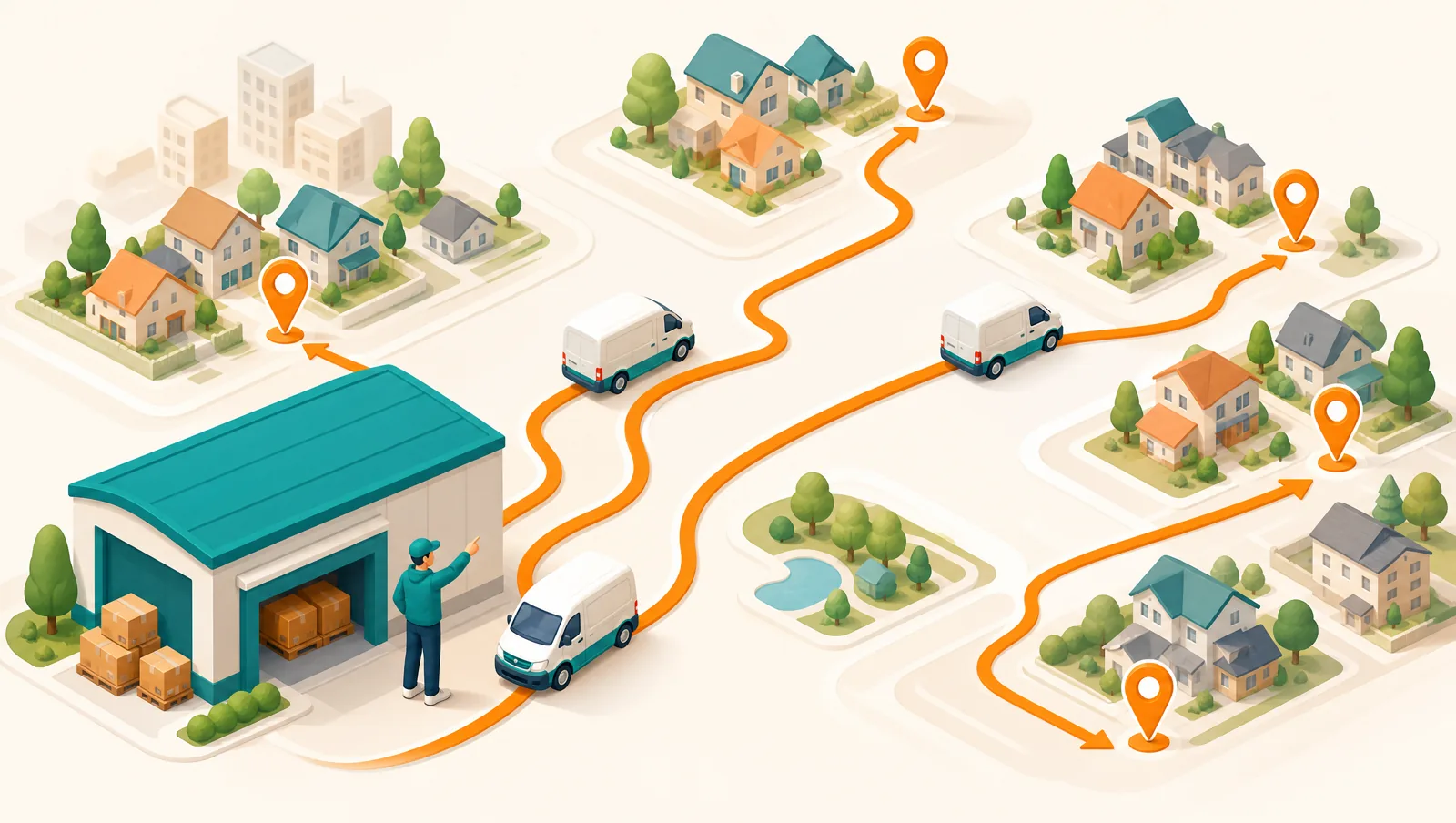
What does it mean to "dispatch" multiple drivers?
Dispatching is the step between having a list of orders and drivers actually driving. It answers three questions in order: which orders go together (into a round or route), which driver takes each round, and how each driver gets their stops. Route optimization sequences the stops within a route; dispatch decides how many routes there are, who owns each one, and how the work is divided in the first place. Get the division wrong and no amount of clever sequencing saves you — one driver crawls through an overloaded route while another idles.
For an own-fleet operation the goal is simple to state and easy to get wrong: every driver should finish at roughly the same time, having driven roughly the same distance, without anyone overloaded past what their vehicle or their shift can hold.
The four ways to assign orders to drivers
There is no single correct method — the right one depends on your fleet size, how spread out your stops are, and how often orders change through the day. Most operations use a blend of these four:
- Manual assignment. The dispatcher drags each order (or group of orders) onto a driver by hand. Total control, and fine for a very small or highly bespoke operation — but it does not scale, it is slow, and it is only as good as the dispatcher’s memory of who is where.
- By zone / territory. Split your service area into zones and give each driver a zone. Predictable, keeps drivers in familiar areas, and makes daily assignment nearly automatic. The weakness is uneven demand — a zone can flood while the next one is quiet — so zones need to be re-balanced as order patterns shift.
- By proximity. Each order goes to the nearest available driver or the driver already heading that way. Minimizes deadhead miles and is great for orders that arrive through the day, but it needs live location and can quietly overload whichever driver happens to be central.
- Smart / best-fit assignment. Software ranks drivers for each order against several factors at once — location, current load, capacity, zone — and proposes the best fit, which the dispatcher confirms one at a time or for a whole batch. This is what lets a small team dispatch a hundred orders in the time it used to take to eyeball a dozen.
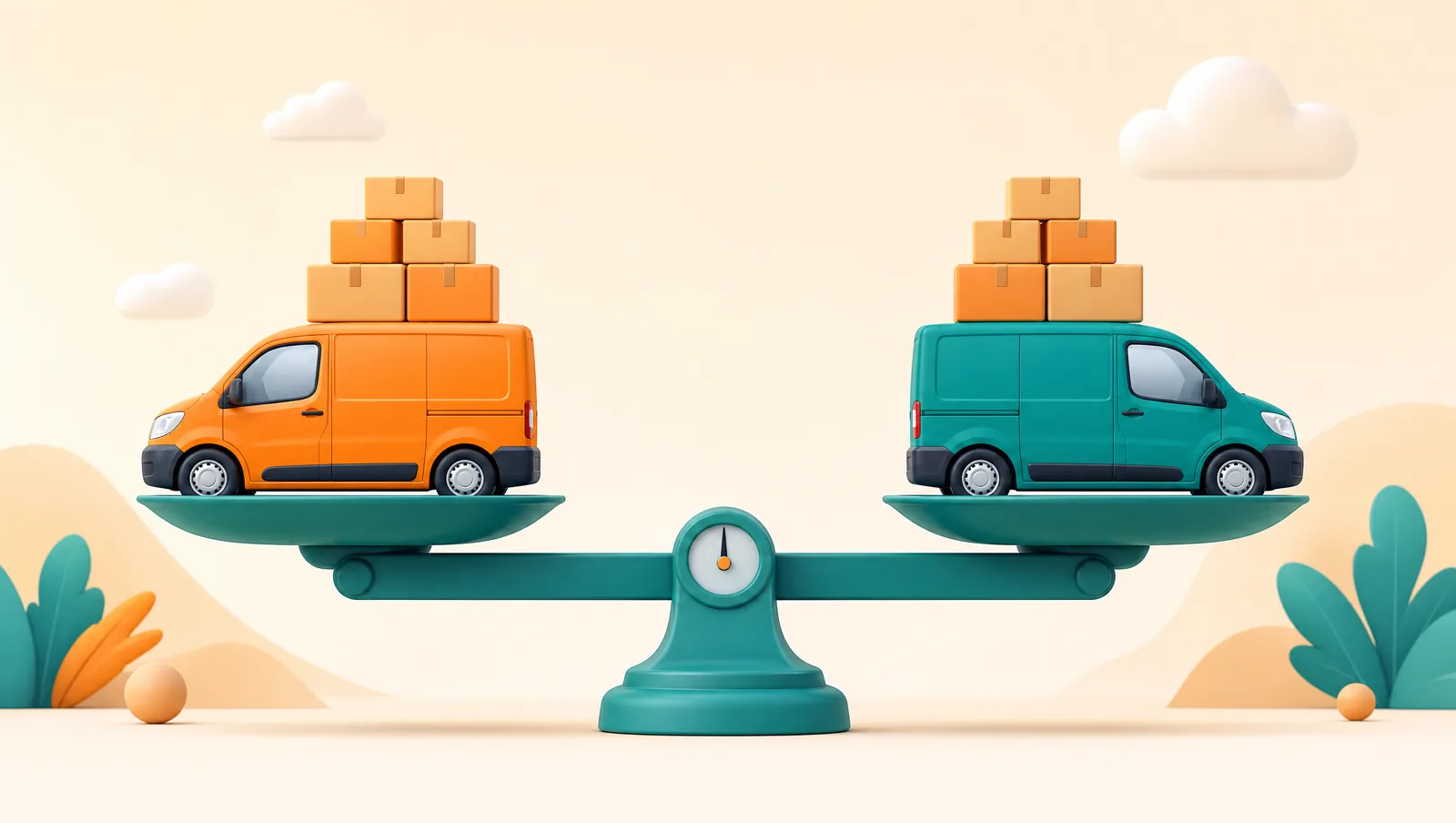
Why balancing the workload matters more than you think
It is tempting to judge a dispatch by whether every order got assigned. The better test is whether the load is even. An unbalanced dispatch quietly costs you in three ways: the overloaded driver runs late and racks up overtime, the underloaded driver is paid to sit idle, and — the one people miss — the drivers notice. Nothing erodes a team faster than the sense that the routes are handed out unfairly. Workload balancing is now a named feature across the industry precisely because fair, predictable routes are one of the biggest levers on driver satisfaction and retention.
Balancing means keeping three things roughly even across drivers, not just one:
- Stop count. The obvious one — similar numbers of deliveries per driver. But raw stop count lies if the stops are far apart or clustered.
- Drive time and distance. Twenty tight urban stops can be a lighter day than eight rural ones. Balance the time on the road, not just the tally of addresses.
- Capacity. A route can be balanced on stops and time and still be impossible if the van cannot physically hold the load. Volume and weight are a hard constraint, not a nice-to-have.
This is exactly the kind of multi-variable trade-off humans are bad at and software is good at — the same reason manual route sequencing loses to optimization. When you track your cost per drop, an unbalanced fleet shows up immediately: idle capacity on one route and overtime on another both push the per-delivery cost up.
A repeatable daily dispatch workflow
The operations that dispatch calmly are not smarter — they run the same sequence every morning instead of improvising. And when the same customers come up week after week, they save the round once and bring it back as a recurring route instead of rebuilding it. A workflow that holds up from three drivers to twenty:
- Get every order into one view. Orders from your store, your phone, and your inbox have to land in a single dispatch board before you can divide them. Splitting work from three different screens is where most double-bookings and missed orders come from.
- Validate and geocode addresses first. Assign against clean locations, not raw text. A bad pin does not just cause a failed stop later — it corrupts the balancing math now, because the system thinks a stop is somewhere it is not.
- Group stops into rounds. Cluster orders that belong together — by zone, by time window, by vehicle. This is the unit you actually assign, not individual stops.
- Assign each round to a driver. Use zones or smart best-fit for the bulk, manual for the exceptions. Confirm one round at a time or accept a whole batch of suggestions at once.
- Check the balance before you send. Scan the finished plan for the outlier — the driver with the long route or the overloaded van — and re-shuffle a few stops before anyone leaves. Fixing it on the screen costs seconds; fixing it on the road costs a callback and an hour.
- Dispatch to the drivers’ phones. Each driver gets their own stops, in optimized order, on their phone — ideally with no app to install and no login to fumble.
- Give every customer a tracking link. The moment a round is dispatched, the customer should get a live tracking page with a real ETA. This is what stops the "where is my order?" calls that otherwise interrupt the dispatcher all afternoon.
Handling changes mid-shift
A morning dispatch is a plan, and plans meet reality. Same-day orders arrive, a driver falls behind, a van breaks down. The trick is to treat each change as a small re-assignment rather than a fresh fire drill:
- A new order arrives. Assign it to the nearest driver who has capacity and is heading that way — not simply the driver with the fewest stops, who may be across town.
- A driver falls behind. Move a few of their late-day stops to a driver who is ahead of schedule. Because you balanced up front, there is usually slack somewhere to absorb it.
- A driver drops out. Their remaining stops are just an unassigned round to redistribute across whoever has room — much easier when routes were balanced and visible than when one person was quietly carrying the day.
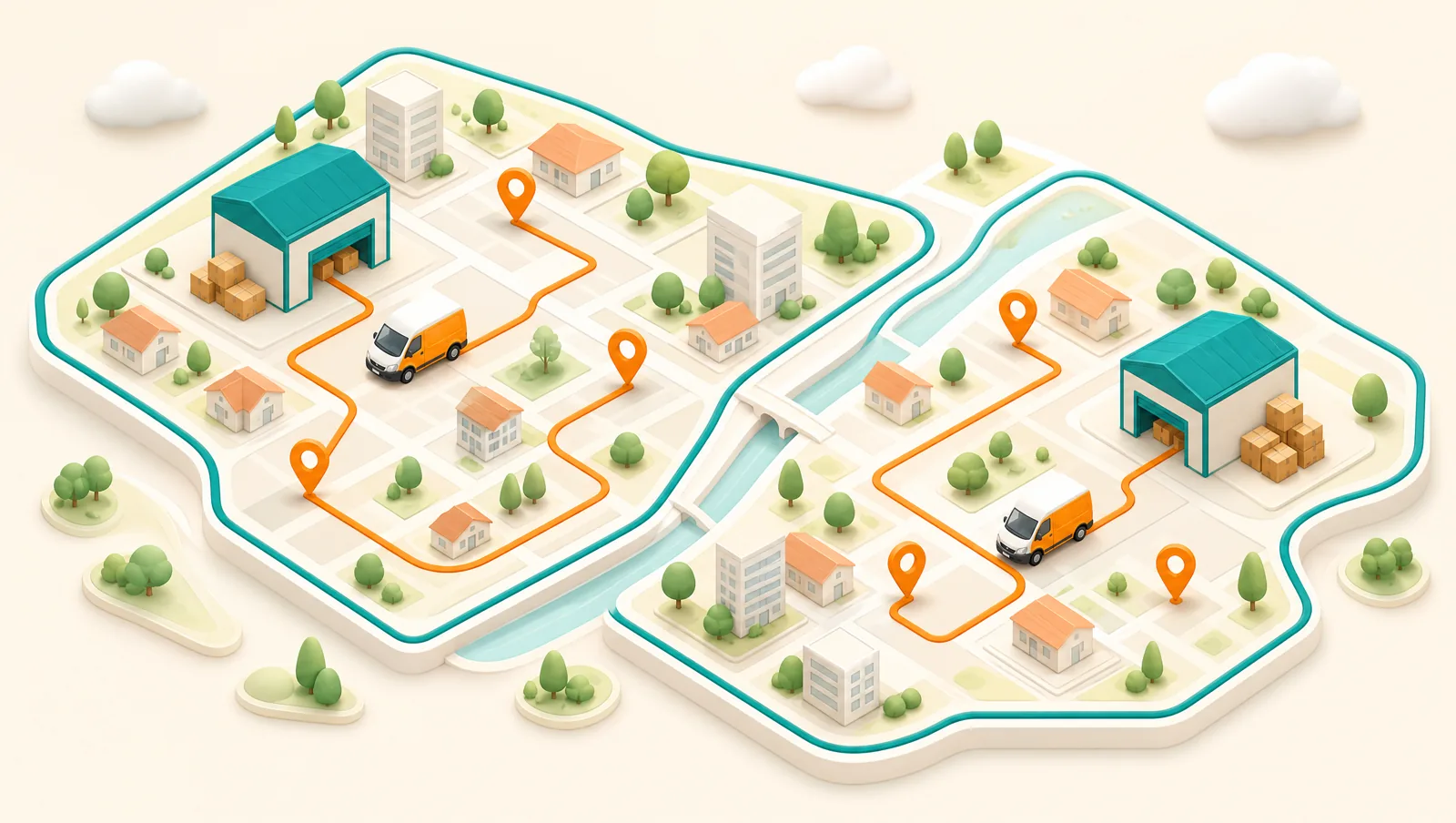
Multi-location and larger fleets
If you dispatch from more than one store or warehouse, the same workflow applies per location — but you need per-location drivers and filters so a dispatcher at one depot is not wading through another’s orders. Zones do most of the heavy lifting at scale: well-drawn zones make daily assignment almost automatic and keep drivers in areas they know. Our guide to setting up delivery zones covers how to draw them so demand stays balanced across them.
Common multi-driver dispatch mistakes
- Balancing on stop count alone. Equal stops can mean wildly unequal days once distance and traffic are counted.
- Assigning before addresses are clean. Garbage locations produce a balanced-looking plan that falls apart on the road.
- Running everything manually. Manual assignment that was fine at three drivers becomes the bottleneck at eight. Automate the bulk; reserve human judgment for the exceptions.
- Ignoring capacity. A route balanced on time and stops is still undeliverable if the goods will not fit in the van.
- No live visibility. Without real-time progress you cannot rebalance mid-shift, so every disruption becomes a phone-tag scramble.
How Routella dispatches multiple drivers
Routella is built around exactly this workflow. Orders from your store integrations, your API, or manual entry land in one dispatch view; addresses are geocoded on import so you assign against clean locations. You group stops into rounds and Routella builds the shortest route for each driver, then you assign in one tap or auto-assign by zone. Its Smart Assignment ranks the right driver for each order and lets you confirm one order or a whole batch at once — so dividing a big day takes seconds, not a morning. A live volume-and-weight meter on every round warns you about an overloaded van before dispatch, not after, and multi-location operations get per-location drivers and filters.
Drivers receive their stops on their phone through a secure link with no app to install and no login, in optimized order with turn-by-turn navigation and one-tap completion, and the driver page works offline. As stops are completed you see live progress — which is what makes mid-shift rebalancing possible — and every customer gets a live tracking link with a real ETA in 195 languages. You can see how it fits together on the delivery dispatch software page.
The bottom line
Dispatching multiple drivers well comes down to two disciplines: divide the work by the right method — zones for the base, smart best-fit for speed, proximity for same-day, manual only for exceptions — and balance the load on stops, time, and capacity together, not stop count alone. Run the same morning workflow every day, keep live visibility so you can rebalance when reality intervenes, and the daily dispatch scramble turns into a few calm minutes. Routella brings the whole flow — one dispatch view, per-driver routes, one-tap and smart assignment, capacity checks, no-app driver pages, and live customer tracking — into a single platform, and you can start on the free plan with no credit card. For the wider toolset, see our delivery software comparison.
Frequently asked questions
How do you assign delivery orders to multiple drivers?
There are four main methods, usually blended: manual assignment (the dispatcher drags orders onto drivers by hand), by zone (each driver owns a territory), by proximity (each order goes to the nearest available driver), and smart best-fit assignment (software ranks drivers per order by location, current load, and capacity, and you confirm one or a whole batch). Most operations use zones as the base, smart assignment for speed, and proximity for same-day orders that arrive mid-shift.
How do you balance workload fairly across delivery drivers?
Balance three things at once, not just one: stop count, drive time and distance, and vehicle capacity. Equal stop counts can hide very unequal days once distance and traffic are counted, and a route can be balanced on time and still be undeliverable if the goods will not fit in the van. Check the finished plan for the outlier — the overlong route or the overloaded van — and re-shuffle a few stops before drivers leave.
What is the difference between dispatch and route optimization?
Route optimization sequences the stops within a single route so one driver covers the shortest practical distance. Dispatch is the step before that: deciding how many routes there are, which driver takes each one, and how the day’s orders are divided across the fleet. You need both — optimization makes each route efficient, dispatch makes sure the routes are fair and that no driver is overloaded.
Should I assign drivers manually or automatically?
Automate the bulk and reserve manual assignment for exceptions. Manual assignment gives total control and is fine at two or three drivers, but it becomes the bottleneck as the fleet grows. Zone-based and smart best-fit assignment let a small team divide a large day in seconds, while manual assignment is best kept for the handful of stops that genuinely need a human decision.
How do I handle new orders that arrive after I have dispatched?
Treat each change as a small re-assignment rather than a fresh plan. Send a new same-day order to the nearest driver who has capacity and is heading that way, not just the one with the fewest stops. If a driver falls behind, move a few of their late stops to a driver who is ahead. This is much easier when the original dispatch was balanced and when you can see live progress for every driver.
Can Routella dispatch to several drivers at once?
Yes. Orders land in one dispatch view, you group stops into rounds and Routella builds the shortest route per driver, and you assign in one tap or auto-assign by zone. Smart Assignment ranks the best driver for each order so you can confirm one order or a whole batch at once, a live volume-and-weight meter warns about an overloaded van before dispatch, and drivers get their stops on their phone with no app to install. There is a free plan with no credit card to start.
Run your own deliveries with Routella
Route optimization, a driver app, proof of delivery, and live customer tracking — in one platform. Free plan, no credit card.