How to Set Up Local Delivery & Route Planning on Shopify (2026)
Shopify’s built-in local delivery has limits. Here is how to add route optimization, a driver app, proof of delivery, and customer tracking to your store.
Shopify is great at taking orders. It is not a delivery system. Its built-in local delivery feature lets you offer delivery at checkout within a radius and set a fee — but it stops there. It won’t plan a driver’s route, give the driver a mobile workflow, capture proof of delivery, or show your customer where their order is. This guide covers how to add those missing pieces to a Shopify store.
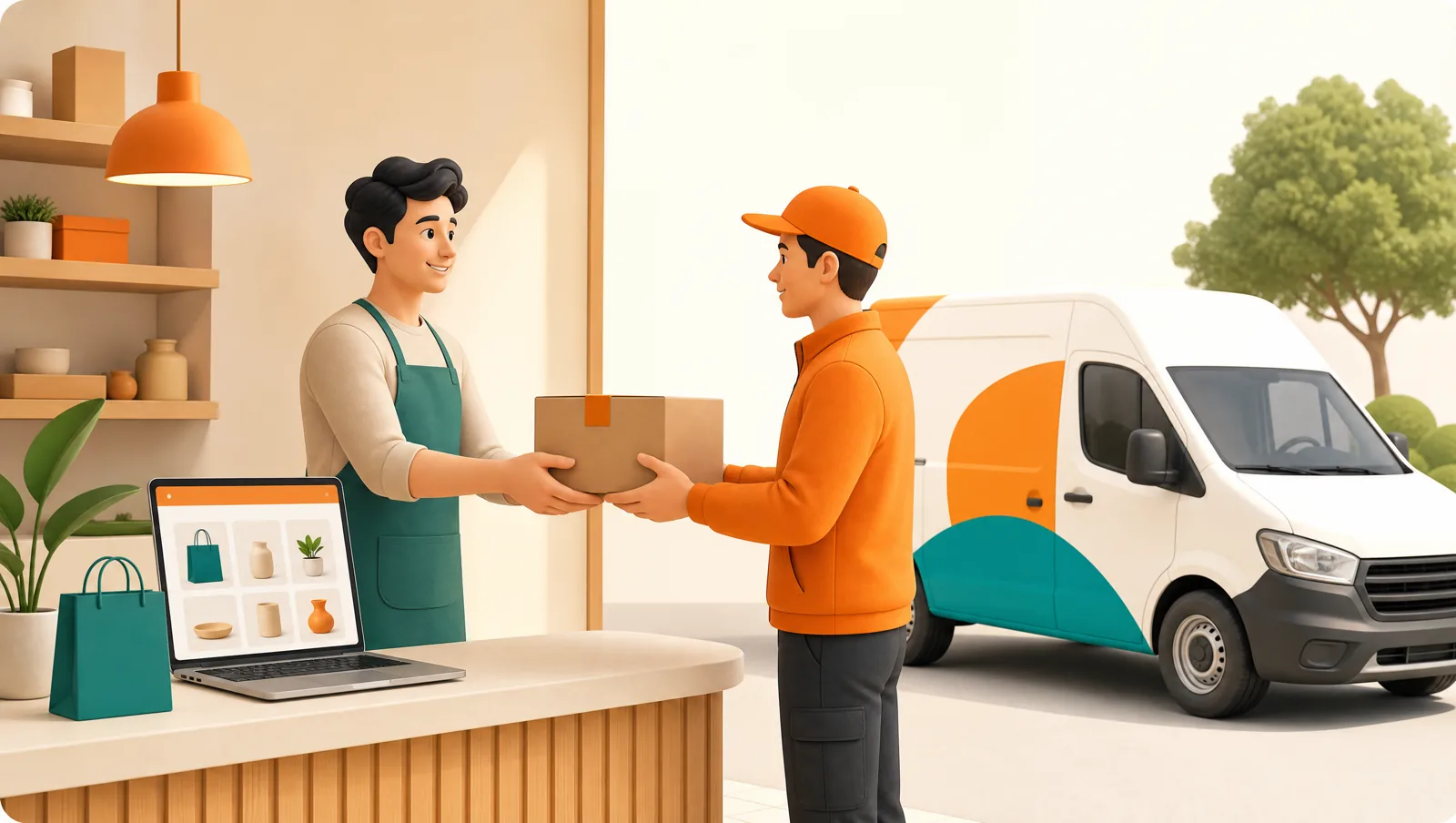
What does Shopify’s built-in local delivery actually do?
Shopify’s native local delivery handles the checkout side well: it shows a delivery option to customers inside a delivery zone, charges a fee, and tags the order as local delivery. That’s genuinely useful. The gap is everything after the order:
- It does not optimize a multi-stop route for your driver.
- It has no driver app with navigation or delivery confirmation.
- It does not capture a signature or proof-of-delivery photo.
- It does not send the customer a live tracking link with an ETA.
- It does not collect or reconcile cash on delivery.
What do you need to add to Shopify?
Four capabilities turn Shopify’s “local delivery” checkbox into a real delivery operation:
- Route optimization — group the day’s local-delivery orders into rounds and sequence each one efficiently.
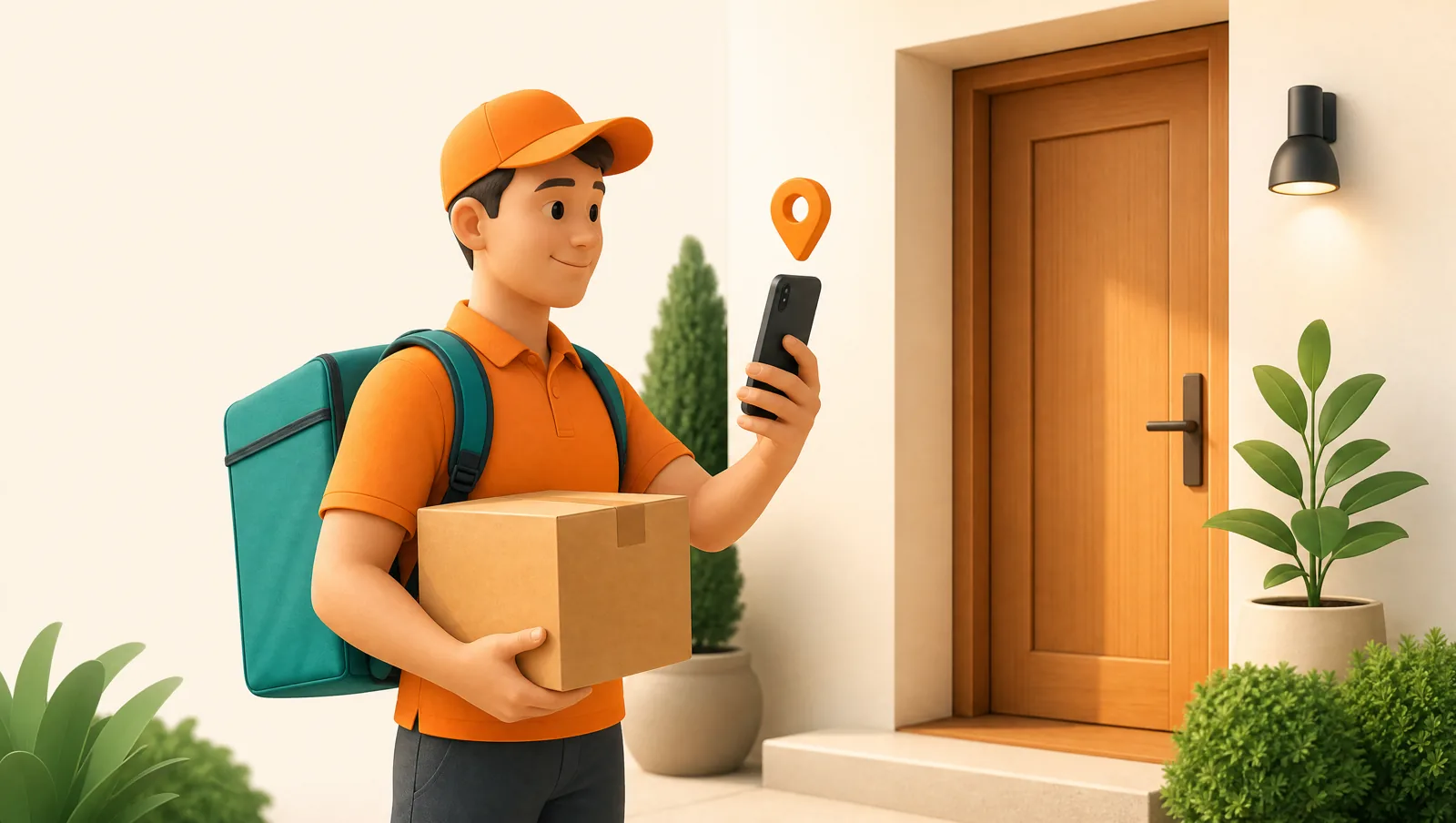
- A driver app — stops, turn-by-turn navigation, and one-tap delivery confirmation on the driver’s phone.
- Proof of delivery — signature, photo, or barcode at the door.
- Customer tracking + notifications — an “on the way” message and a live tracking page with ETA.
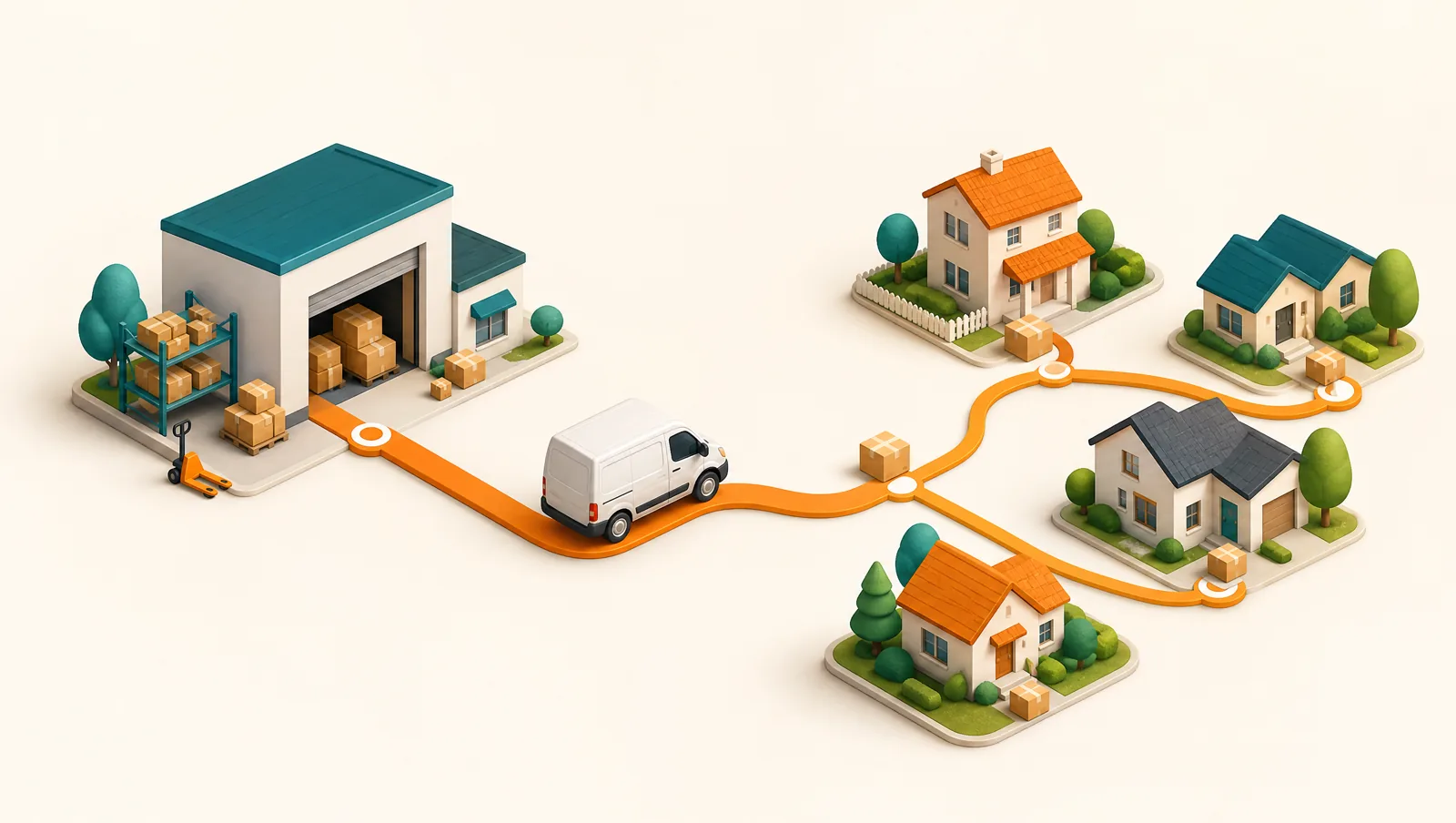
How do you set it up, step by step?
- Turn on local delivery in Shopify so customers can choose it at checkout and you collect the delivery address and any time preference.
- Connect a delivery app that imports those orders automatically. The Routella Shopify route planner pulls new local-delivery orders straight into a dispatch board — no re-typing.
- Batch and optimize routes for the day, then assign each route to a driver with one tap.
- Send drivers out with the mobile app — they navigate, deliver, and capture proof at each stop.
- Keep customers informed with automatic notifications and a live tracking link.
- Let fulfillment write back — when a stop is delivered, the Shopify order is marked fulfilled automatically, so your store stays in sync.
Which Shopify delivery app should you use?
The two natural shortlist entries for Shopify stores running their own drivers are Routella and EasyRoutes. EasyRoutes is Shopify-native and focused on routing — see the full Routella vs EasyRoutes comparison. Routella is a full delivery platform — route optimization, driver app, proof of delivery, live tracking, and WhatsApp/SMS/email notifications — that also works beyond Shopify if you also sell on WooCommerce or Wix. For a deeper comparison of the category, see the best delivery route planner software in 2026.
Routella has a free plan (1 driver, 50 orders/month) so you can run a few real Shopify deliveries before paying, and automatic fulfillment write-back so your Shopify orders update themselves.
The bottom line
Shopify collects local-delivery orders; it doesn’t deliver them. Add route optimization, a driver app, proof of delivery, and customer tracking, and you have a real in-house delivery operation running on top of your store. If you also want to understand the economics of doing this in-house, read how to run your own delivery fleet without marketplace fees.
Frequently asked questions
Does Shopify have built-in delivery route planning?
No. Shopify’s native local delivery handles the checkout side — offering delivery in a zone and charging a fee — but it does not plan routes, provide a driver app, capture proof of delivery, or track deliveries. You add those with a delivery app like Routella.
What is the best Shopify delivery app for route planning?
For Shopify stores running their own drivers, Routella and EasyRoutes are the main options. Routella is a full delivery platform (routing, driver app, proof of delivery, live tracking, and notifications) with a free plan and automatic fulfillment write-back to Shopify.
Will the Shopify order be marked fulfilled automatically?
With Routella, yes. When a driver marks a stop delivered, Routella writes the fulfillment back to Shopify automatically, so your store stays in sync without manual updates.
Run your own deliveries with Routella
Route optimization, a driver app, proof of delivery, and live customer tracking — in one platform. Free plan, no credit card.