Wix Local Delivery & Route Planning (2026)
Run local delivery from a Wix store: what Wix delivery settings cover, where they stop, and how to import orders into optimized routes with tracking.
Wix makes it genuinely easy to offer local delivery: in your store's shipping and delivery settings you can create a delivery region, set a fee, require a minimum order, and even add estimated delivery times. What Wix does not do is help you actually deliver. There is no route optimizer, no driver app, no proof of delivery, and no live tracking link. For any Wix store running its own drivers, that second half is where the day gets messy — and this guide shows how to fix it.
We will look at what Wix's built-in delivery settings cover, where the gap opens up, and how to wire Wix orders into optimized routes that land on a driver's phone and write back to your store automatically.
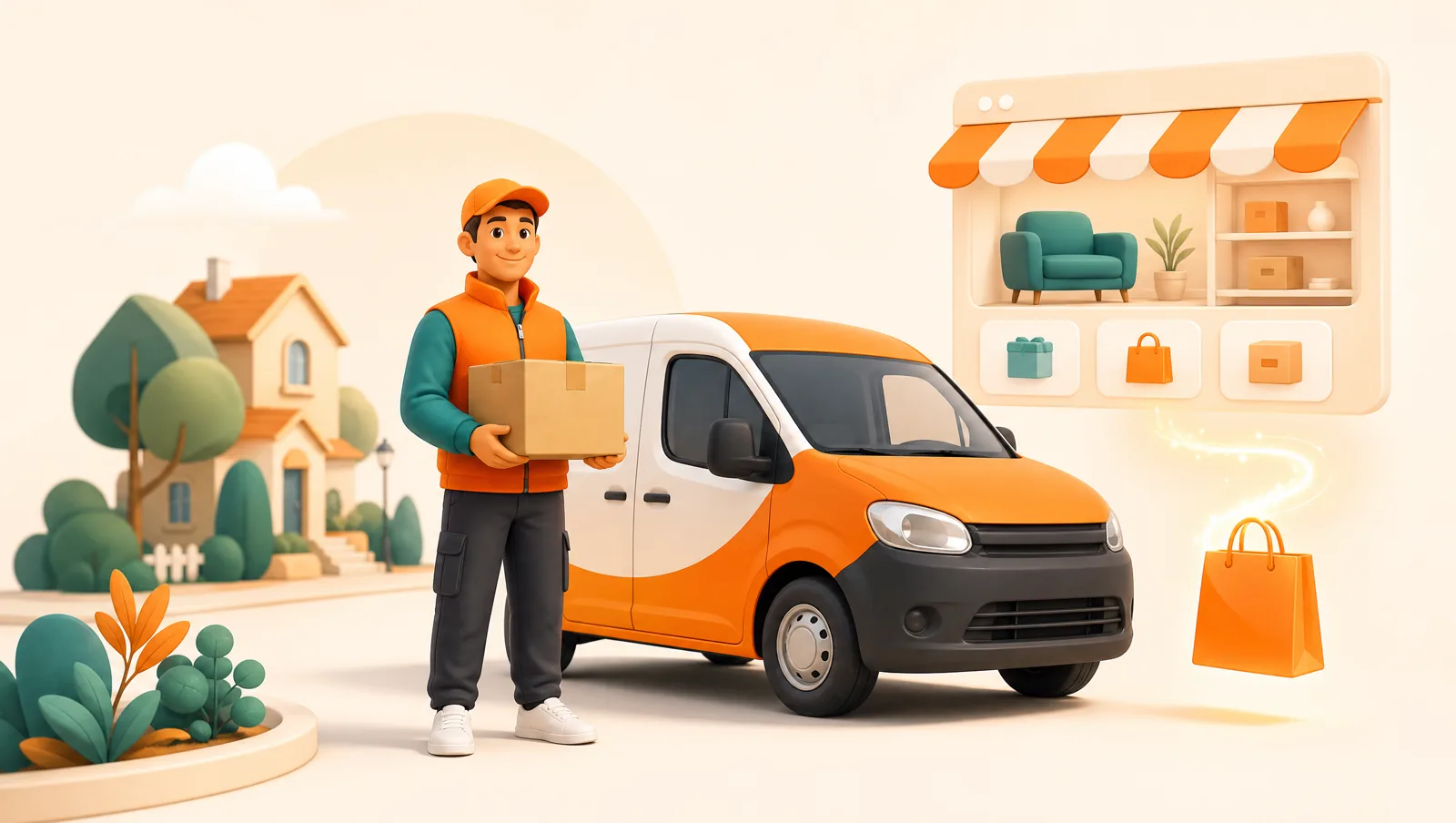
What does Wix local delivery cover on its own?
Wix Stores (and Wix eCommerce) handle the storefront side of local delivery well. In your shipping and delivery settings you can typically set up:
- Delivery regions defined by area, so only customers you can reach see the delivery option.
- Delivery fees as a flat rate, free over a threshold, or rate-by-order-total.
- Minimum order amounts for delivery.
- Estimated delivery time text and, with Wix's scheduling features or an app, date or time-slot selection at checkout.
All of that is checkout-side. The moment an order is paid, Wix hands you a list of addresses and steps back. It will not sequence those addresses into an efficient route, give a driver navigation, capture a delivery photo, or tell the customer where their order is right now. Those are dispatch jobs, and Wix has no dispatch layer.
Why does the order in which you visit stops matter so much?
When a driver visits stops in the order they happen to appear on a list, they backtrack, cross their own path, and waste fuel and time. Sequencing a dozen stops into the shortest, fastest path is a hard optimization problem that humans solve badly and slowly — 30 to 60 minutes by hand for a worse result than software produces in seconds. Because every wasted mile is money, route optimization is the biggest single lever on your cost per drop. Our guide on optimizing multi-stop routes explains the details.
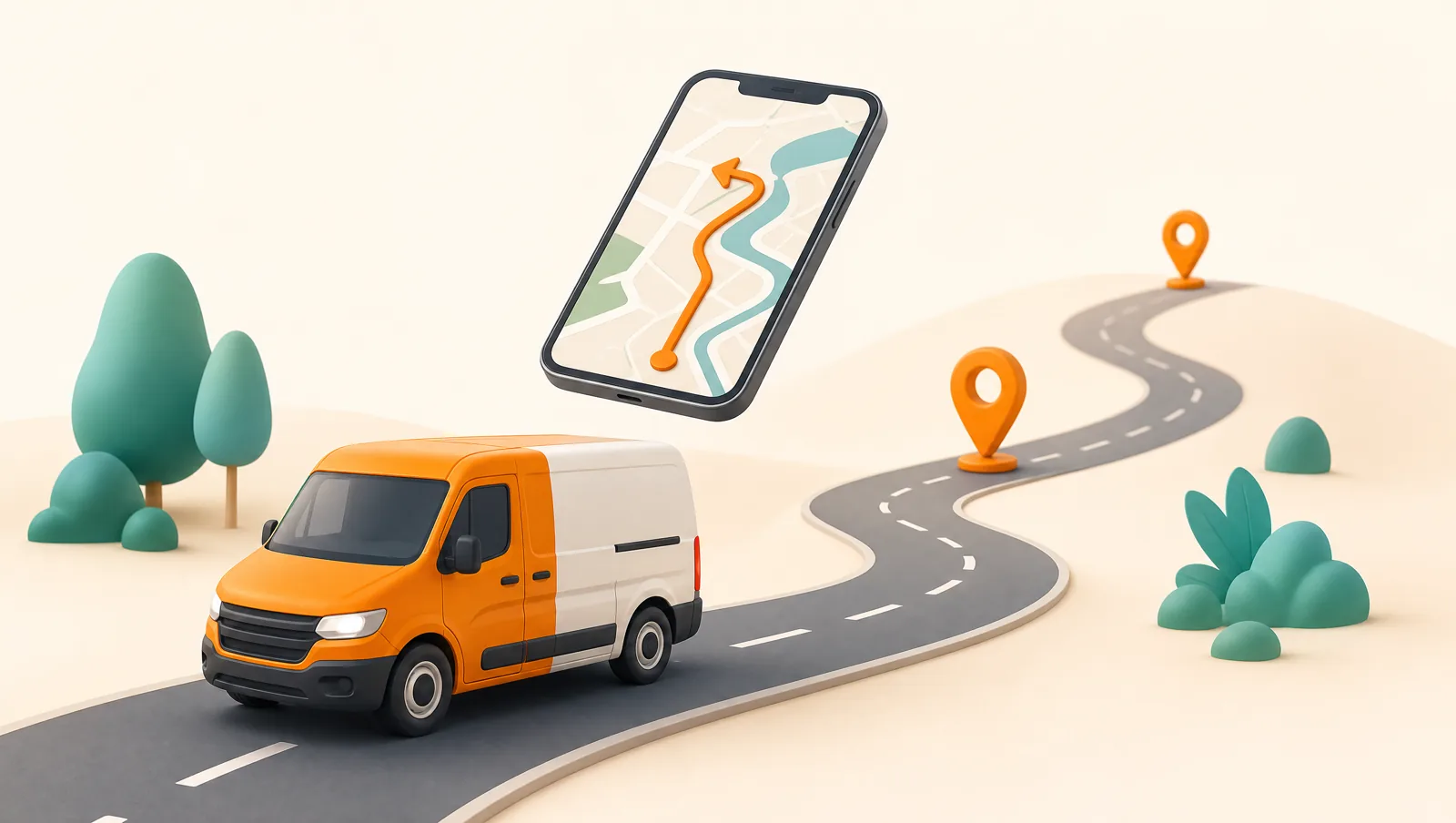
How do you turn Wix orders into delivery routes?
Connect Wix to a dispatch and routing tool so paid orders import automatically and delivered orders write back. With Routella the flow is:
- Connect your Wix store. Routella imports Wix orders automatically. Phone and walk-in orders can be entered manually, so everything sits in one dispatch board.
- Group orders into rounds. Drag the day's deliveries into a round for a driver.
- Optimize the route. Routella reorders each round into the shortest, fastest sequence. The optional Smart Routing add-on adds live traffic and delivery time windows via the Google Routes API for a flat $5/month (250 stops included on Growth, 1,000 on Pro).
- Dispatch to a driver. The driver opens the mobile app and gets turn-by-turn navigation that keeps working offline when signal drops.
- Capture proof and write back. Signature, photo, or barcode at each stop, and Routella marks the Wix order fulfilled.
Automatic write-back is the part stores forget. Without it, you re-check orders by hand and risk telling a customer their delivery is coming when it has already arrived. For the why, see our proof of delivery guide.
How do you keep Wix customers informed during delivery?
Wix sends order and shipping confirmation emails, but nothing that tells a customer their driver is two stops away. That silent stretch between "paid" and "arrived" is what creates support messages. Automated delivery notifications fix it: an order confirmation, an out-for-delivery alert, and a live tracking link with the driver's real-time location and ETA. Routella sends these over WhatsApp, SMS, and email, and the tracking page works in 195 languages including right-to-left scripts — the most effective way to reduce "where is my order?" tickets.
What if you also take cash on delivery?
If your Wix store offers cash on delivery, you need to know which driver collected what and whether it reconciles against the orders. Routella records COD collection per stop and gives you a settlement view that matches cash returned to orders delivered. More in our cash on delivery management guide.
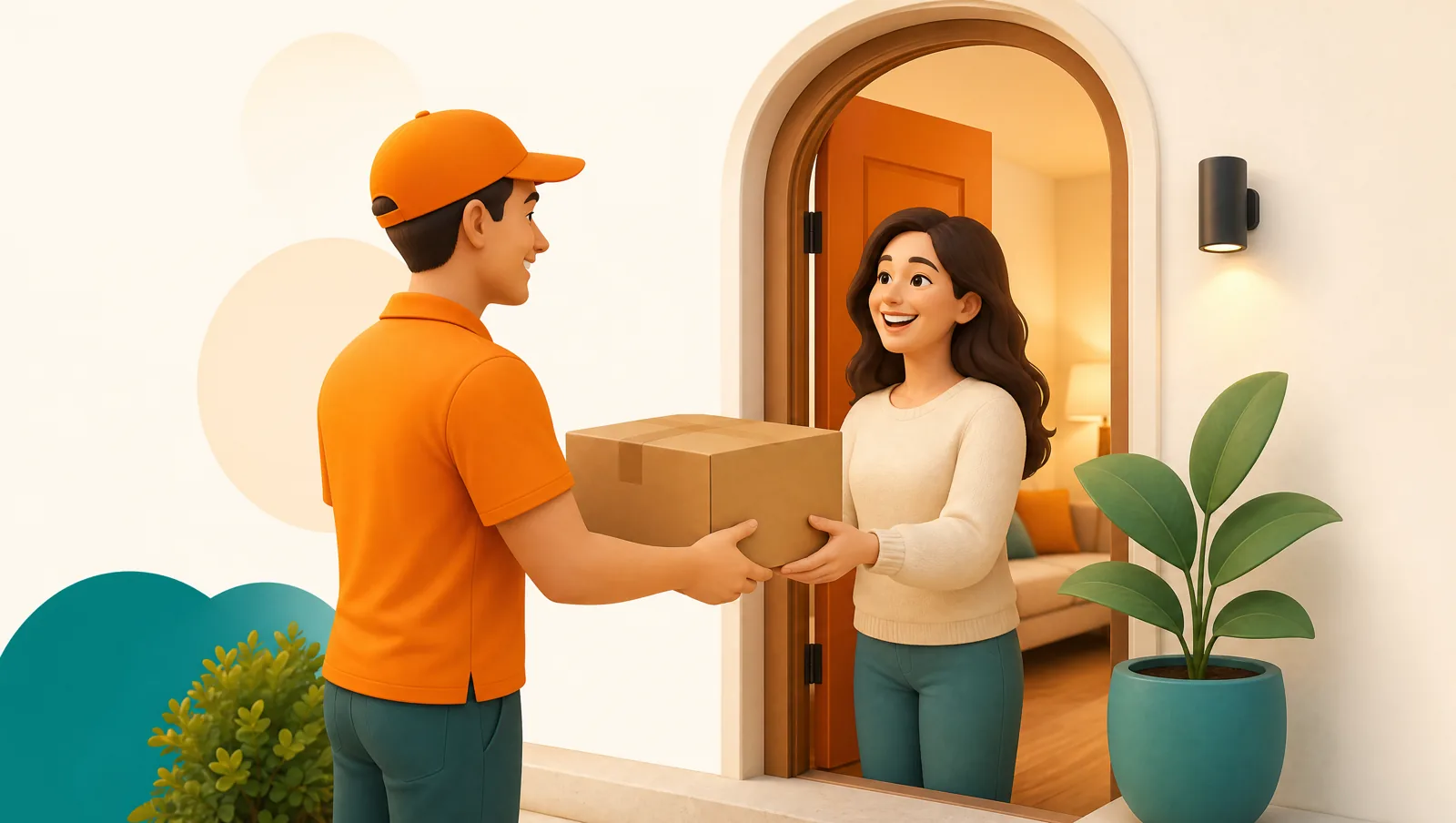
How do you reduce failed deliveries from a Wix store?
Failed deliveries are pure waste — the driver's time, your fuel, and a frustrated customer all spent on a stop that has to be repeated. Most failures trace back to three causes: a wrong or incomplete address, nobody home, and a customer who did not know the driver was coming. Each has a fix.
- Wrong address. Catch it before dispatch. A good dispatch tool geocodes each Wix order so an unrecognized address is flagged on the map rather than discovered at the doorstep.
- Nobody home. Offer delivery time windows so the stop lands when someone is in. Same-day and scheduled slots both help here.
- Customer surprised. An out-for-delivery message with a live tracking link lets the customer be ready — or reschedule before the driver wastes the trip.
Together these turn most "failed" attempts into clean first-time deliveries. Our full guide on reducing failed deliveries goes deeper, and proof of delivery means the stops that do succeed are documented beyond dispute.
Does this work as your Wix store grows?
A delivery setup is only worth adopting if it survives growth. The first weeks are easy with one driver and a few orders a day, but volume is where manual habits break — the routine that works at twenty orders a week has to keep working at two hundred without hiring a dispatcher. Three things need to scale cleanly: order import, driver count, and route quality.
Routella reads new Wix orders automatically, so a busier week is not a longer copy-paste session. You start with one driver and add more only when routes are consistently full — our guide to delivery driver management covers structuring pay and assignment as the team grows. And because the optimizer keeps each route tight even as stop counts climb, route quality does not degrade at exactly the moment hand-planning would collapse. Pick a setup you will not outgrow in a quarter. If you also sell on Shopify or WooCommerce, the same dispatch layer covers those stores from one board — no separate tool per channel.
The bottom line
Wix is a fine place to sell and price local delivery. It is not a dispatch system. Add a routing and tracking layer that imports Wix orders automatically, optimizes the route, gives drivers a mobile workflow with proof of delivery, and keeps customers updated, and you keep Wix's simplicity without the manual scramble. Routella's free plan covers 1 driver and 50 orders a month, so you can run real Wix deliveries before paying — then $29 a month as volume grows.
Frequently asked questions
Does Wix have built-in delivery route planning?
No. Wix lets you set delivery regions, fees, minimums, and estimated times at checkout, but it has no route optimizer, driver app, proof of delivery, or live tracking. Those require a separate dispatch tool.
How do I get Wix orders into a route planner?
Connect your Wix store to a tool like Routella and paid orders import automatically. You batch them into rounds, optimize the sequence, dispatch to a driver, and the delivered order is written back to Wix as fulfilled.
Can Wix customers see a live delivery tracking link?
Not from Wix alone, which only sends order and shipping emails. Routella sends an out-for-delivery message with a live tracking link showing the driver location and ETA over WhatsApp, SMS, or email in 195 languages.
Run your own deliveries with Routella
Route optimization, a driver app, proof of delivery, and live customer tracking — in one platform. Free plan, no credit card.