The Delivery Driver App for Your Own Drivers (No Install, Just a Link)
What a delivery driver app should do at every stop, why a no-install web link beats a heavy native app for your own drivers, and how to roll one out in minutes.
Route optimization gets the attention, but the delivery driver app is where the plan actually meets the pavement. It is the screen your driver looks at fifty times a day — to find the next stop, navigate to it, confirm the drop, and prove it happened. Get it right and the whole operation runs quietly. Get it wrong and you are back to phone calls, missed addresses, and “it never arrived” arguments you cannot settle.
This guide is for businesses that deliver with their own drivers — shops, restaurants, florists, pharmacies, grocers, and couriers — not marketplaces that supply drivers for you. It covers what a delivery driver app should actually do at every stop, and one design choice that matters more than any feature list: whether your drivers have to install anything at all.
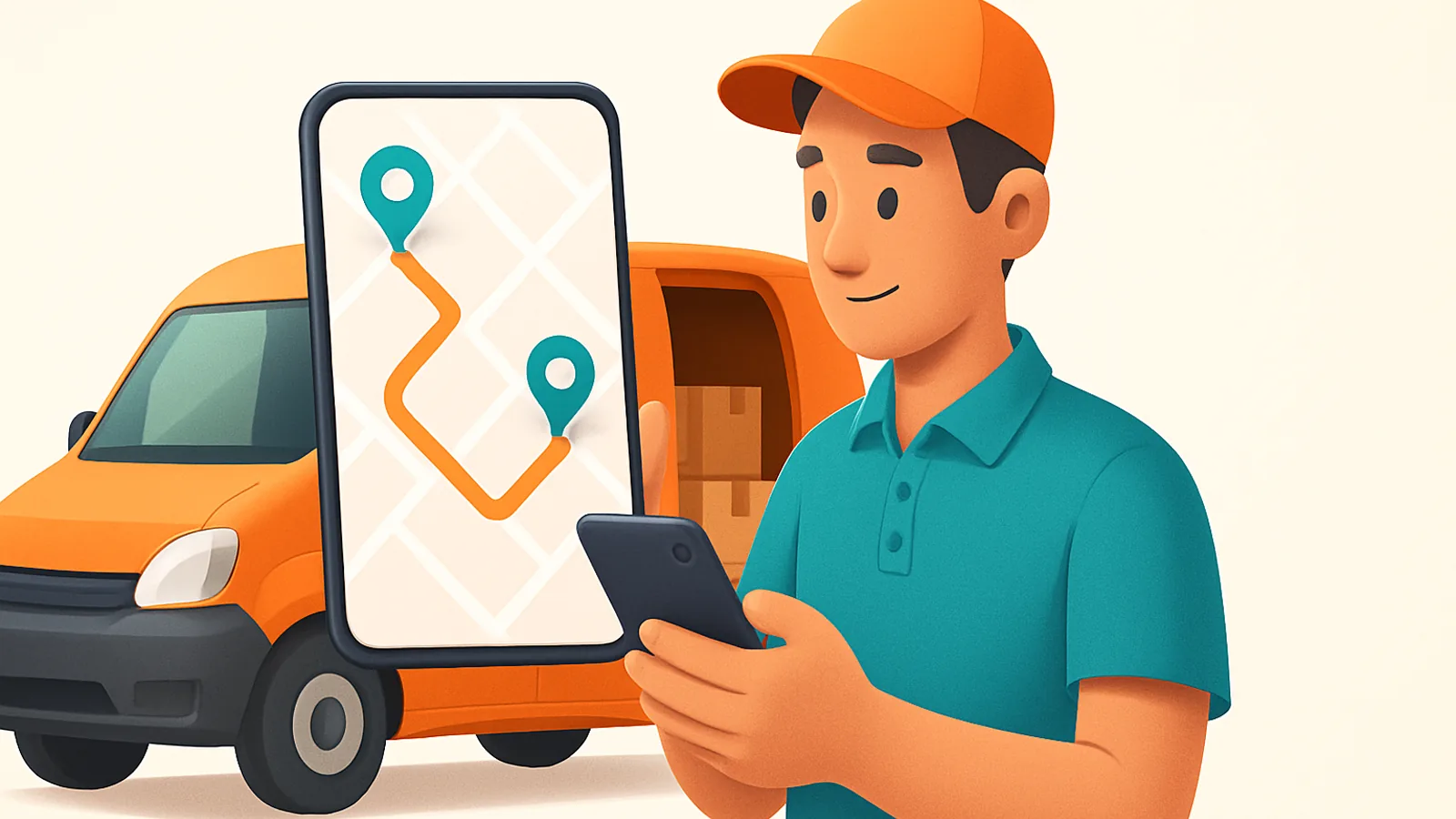
What should a delivery driver app do?
Strip away the marketing and a good delivery driver app does five things, in this order. If it nails route and navigation but has no proof of delivery, or captures proof but leaves the dispatcher blind, you have only solved part of the day.
- Shows the route, in order. Each driver sees only their stops, already sequenced — not a printed sheet or a group chat. One tap to the next address, no thinking about order.
- Navigates. Turn-by-turn to each stop, handed off to the maps app the driver already trusts, so there is nothing new to learn behind the wheel.
- Captures proof of delivery. A photo, a signature, or a barcode scan at the door — your defense against disputes and your record for high-value or medical goods.
- Marks the outcome. One tap for delivered, one for failed — with a reason — so the dispatcher and the customer both know in real time, not at end of shift.
- Shares live location. The driver’s position feeds the customer’s tracking ETA and lets the dispatcher answer “where is my order?” without calling the driver.
Cash on delivery belongs on that list too if you collect at the door: the app should record the amount taken per order so it reconciles against the round instead of living in a driver’s pocket. (We cover that in the cash on delivery guide.)
Why “no install” matters more than any feature
Here is the part most feature comparisons skip. A driver app is only as good as your slowest, most reluctant driver’s ability to use it. And the moment an app requires a download, an account, an invite email, and a permissions walkthrough, you have added a wall between hiring a driver and sending them out.
That wall is small for a permanent five-person team. It is enormous when you onboard a seasonal driver for the holiday rush, cover a sick day with someone new, or run casual drivers who come and go. Every install step is a place a rollout stalls — an old phone with no storage, a driver who never checks their work email, a login that gets forgotten. Skip the install and those failure points disappear: you send a link, the driver taps it, and they are looking at their first stop.
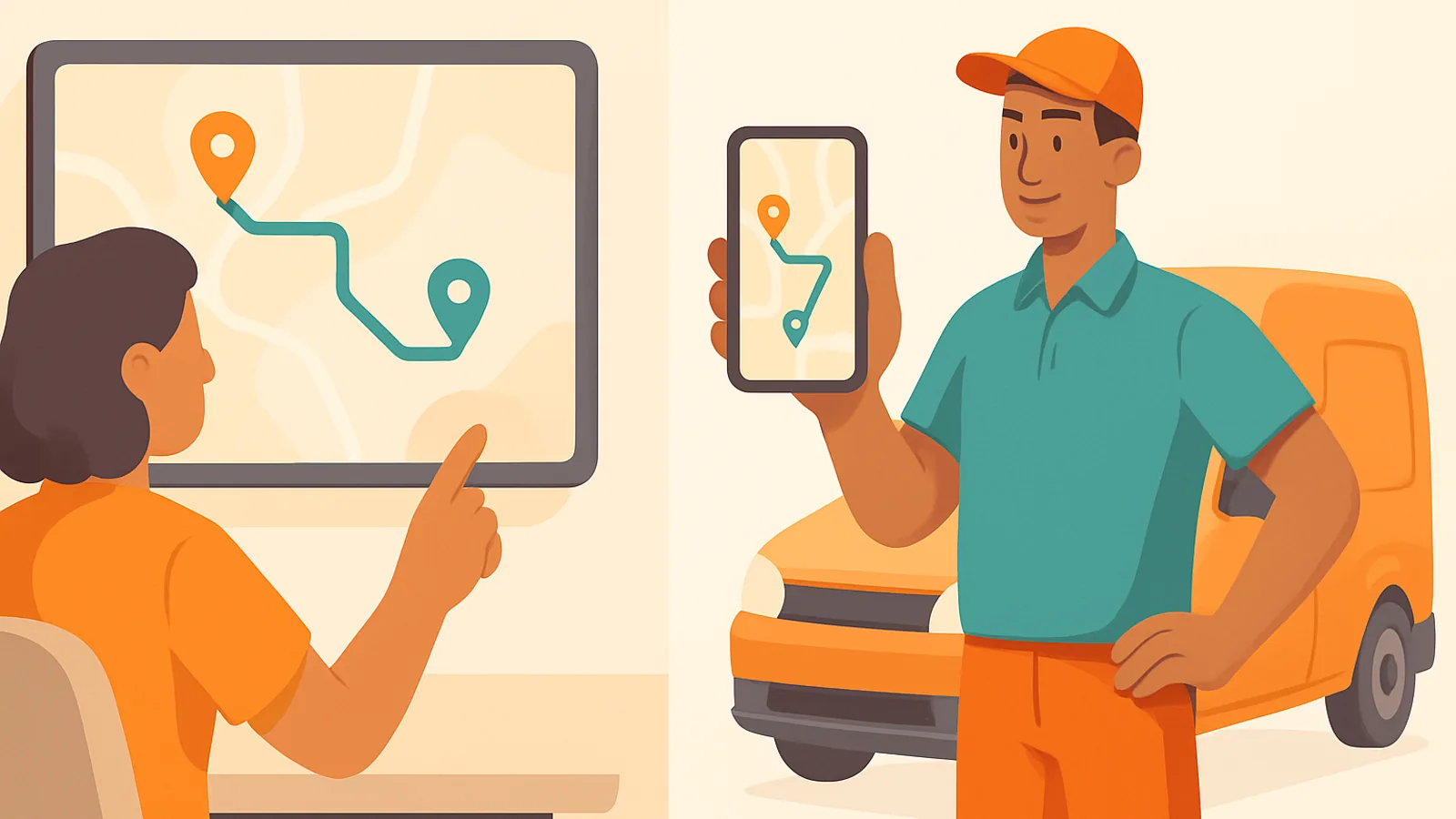
What the driver actually does at each stop
A good driver app collapses the whole door workflow into a few taps so the driver spends time delivering, not fighting software. Here is the loop that repeats at every stop:
Native app vs web link: which is right for your drivers?
Both models can work; the question is which friction you are willing to accept. A downloaded native app can feel slightly slicker and can do a little more offline caching, but you pay for it in onboarding and in every phone that will not install or update it. A web-link app opens instantly on any phone, updates itself with no app-store step, and rolls out to a new or temporary driver in seconds.
- Choose a web link when you run your own drivers, hire seasonally, cover shifts with new people, or just want zero friction handing a route to anyone — the common case for shops and local delivery.
- A heavy native app makes more sense when you run a large, stable, full-time fleet on company-issued phones where IT installs and manages every device, and you need deep offline behaviour on long routes with no signal.
- Either way, judge the app by the door workflow — route, navigation, proof, outcome, live location — not by whether it has an icon on the home screen.
Proof of delivery and live location end most disputes
Two features in the driver app quietly prevent more problems than everything else combined. Proof of delivery — a signature, a GPS-stamped photo, and a timestamp on every drop — turns “it never arrived” from an argument into a record you open in one click. And live location feeding the customer’s ETA is the single highest-impact thing you can do for delivery satisfaction, because it turns a surprise doorbell into an expected arrival and cuts “where is my order?” tickets to a trickle.
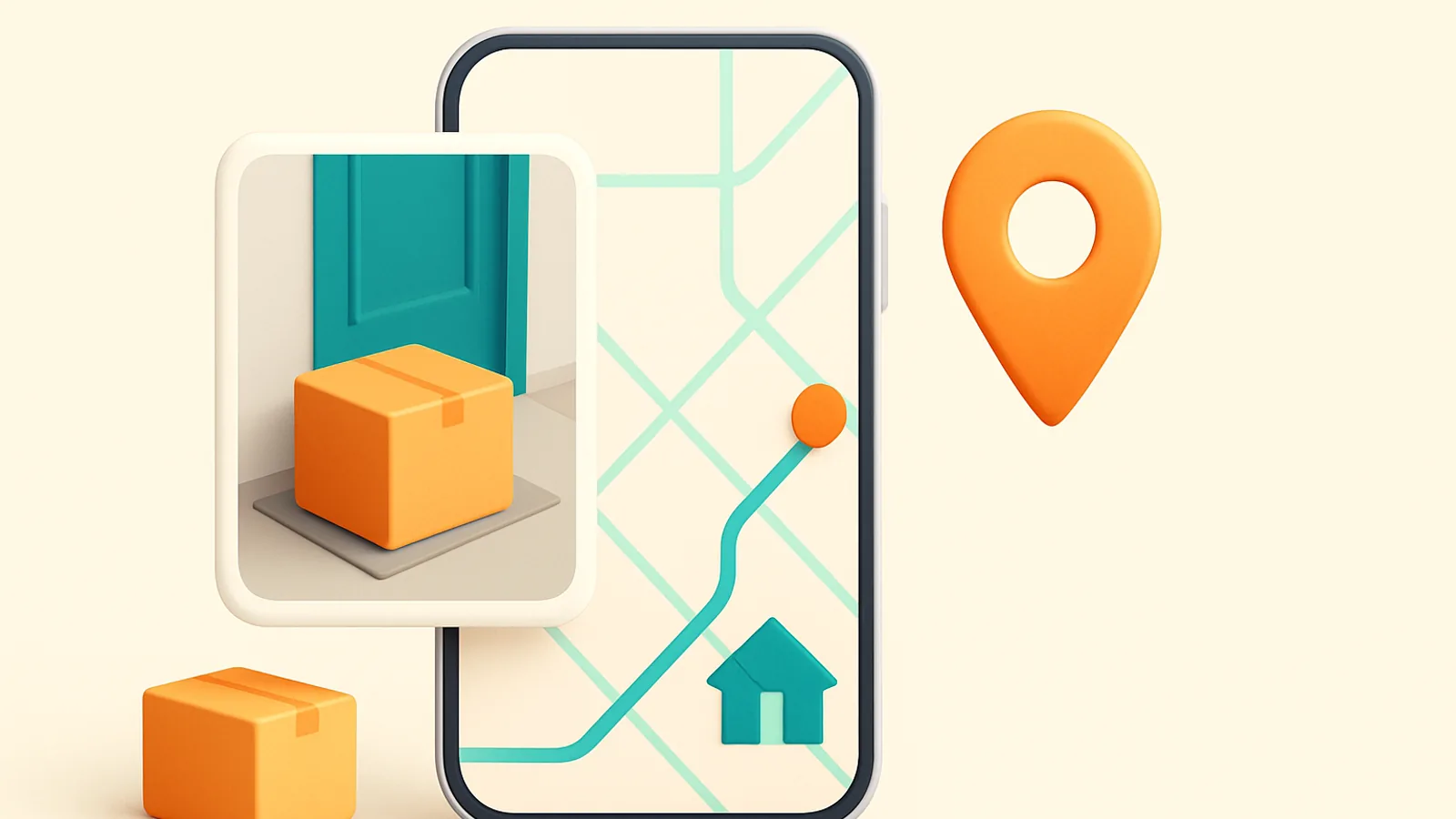
The trick is that these live inside the same driver app, not in a separate scanner or a third-party tracking tool. When proof, outcome, and location all flow from the one screen the driver already uses, nothing gets forgotten and nothing needs re-entering later. That is also what keeps the customer’s live tracking and ETA honest, because it updates from the driver’s real progress rather than a guess.
How Routella’s driver app works
Routella is built around the no-install model. Drivers never download anything — they open a link on their phone that shows their route, each stop with the customer’s details, turn-by-turn navigation, and simple buttons to mark a stop delivered or failed. Live location and proof of delivery (signature, GPS-stamped photo, and timestamp) are built in, and you can make proof mandatory before a stop closes. Cash on delivery is supported, including recording and reconciling the amount collected. Because the driver side is just a link, rolling it out to a new, seasonal, or casual driver takes minutes — you send the link, they are on the road.
Common driver-app mistakes to avoid
- Choosing an app your drivers won’t adopt. The slickest feature set is worthless if half the team never gets past the install screen. Optimise for the first minute, not the spec sheet.
- Splitting the workflow across tools. A route app here, a scanner app there, a tracking tool somewhere else means re-entry, gaps, and blame. Keep route, navigation, proof, and outcome on one screen.
- Skipping mandatory proof of delivery. If proof is optional, it is skipped on exactly the drops you will later need to prove. Require it before a stop can close.
- Leaving the dispatcher blind. If outcomes only sync at end of shift, a failed delivery becomes tomorrow’s problem. Insist on live, per-stop status.
- Paying per driver. Per-seat pricing punishes you for growing and for onboarding casual cover. A flat team price removes that tax.
The bottom line
A delivery driver app has one job: make every stop fast, clear, and impossible to get wrong — route, navigation, proof, outcome, and live location, all on one screen. For a business running its own drivers, the most underrated feature is the one that costs nothing to use: no install, just a link, so onboarding a driver takes minutes and nothing stalls at the app store. Pair that with mandatory proof of delivery and live tracking and most of a delivery day’s friction simply disappears. If you want to see it in action, see how Routella works or start on the free plan and put a real route on a driver’s phone today. From here, dig into dispatching multiple drivers, managing your drivers’ pay and performance, or — if you are still setting up — how to start a local delivery business.
Frequently asked questions
What is a delivery driver app?
It is the mobile screen your drivers use on the road: it shows each driver their stops in optimized order, provides turn-by-turn navigation, captures proof of delivery (a photo or signature) at the door, lets them mark each stop delivered or failed, and shares their live location so the dispatcher and the customer can see progress. The best ones put all of that on one screen instead of splitting it across separate apps.
Do drivers have to install an app to use Routella?
No. Drivers open a link on their phone — there is nothing to download, no account to create, and no app-store step. The link shows their route, each stop with customer details, navigation, and buttons to mark a stop delivered or failed, with proof of delivery and live location built in. That is what makes rolling it out to a new, seasonal, or casual driver take minutes.
What is the best delivery driver app for a business with its own drivers?
For a business running its own drivers, the best driver app is one that covers the whole door workflow (route, navigation, proof of delivery, outcome, and live location) and is trivial to roll out. Routella does this with a no-install web link, built-in proof of delivery and live tracking, cash-on-delivery support, and flat pricing that does not charge per driver — with a free plan to test it on real routes.
Does a driver app work without an internet connection?
Good driver apps are built to tolerate patchy signal on real routes, holding a driver’s stops and letting them capture proof and outcomes even when coverage drops, then syncing when it returns. When you evaluate an app, test it on an actual round through the dead zones your drivers really hit rather than trusting a spec-sheet claim.
How does a driver app capture proof of delivery?
At each stop the driver captures a signature, a GPS-stamped photo, or a barcode scan, along with a timestamp, directly in the app. You can require proof before a stop is allowed to close, so every drop has a complete record. Keeping proof inside the same app the driver already uses — rather than a separate scanner — means it is never forgotten and never needs re-entering. See our proof of delivery guide for what to require and when.
Run your own deliveries with Routella
Route optimization, a driver app, proof of delivery, and live customer tracking — in one platform. Free plan, no credit card.